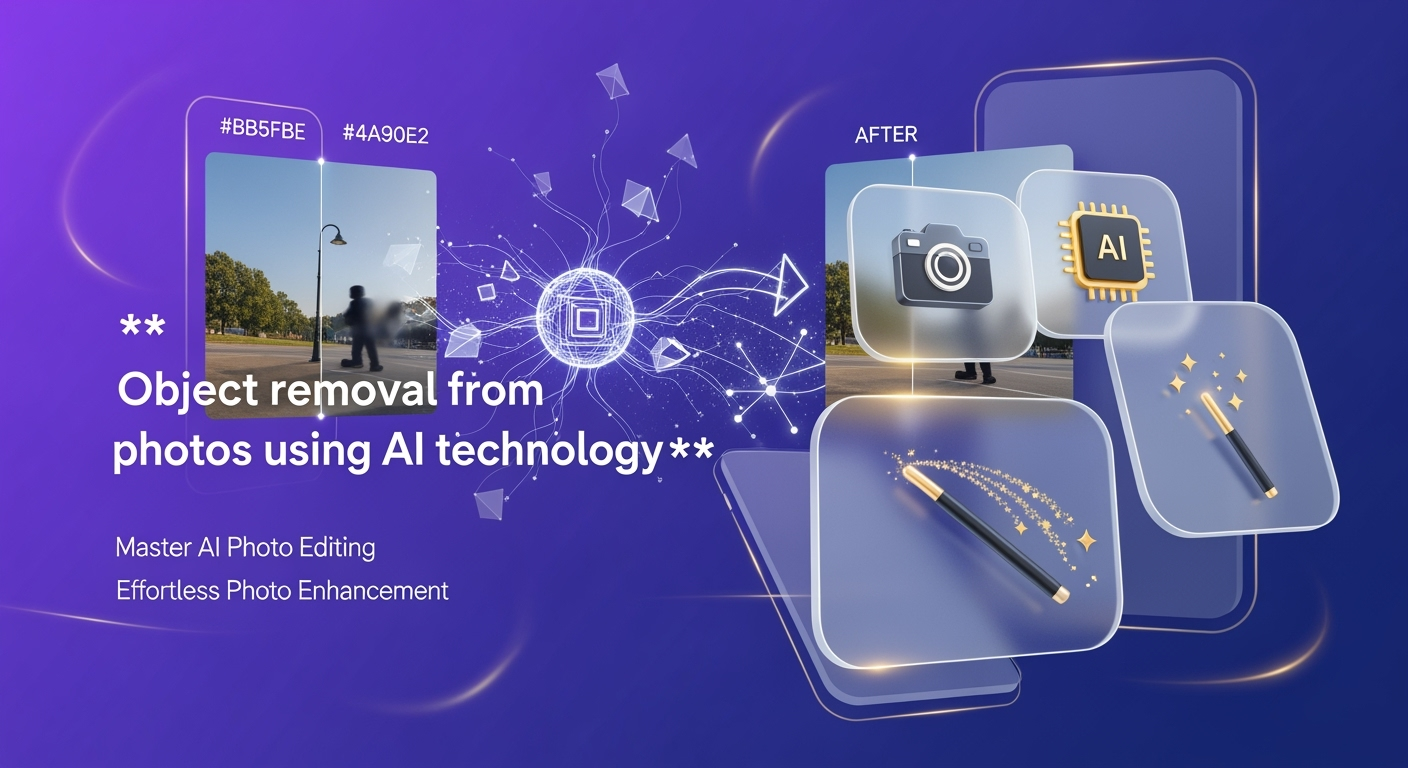
Hey content creators, influencers, and photography enthusiasts! It's October 6, 2025, and if you're not already leveraging AI for your photo editing, you're seriously missing out. Last year, we saw an explosion in AI photo editor growth – a staggering 441% surge – and this year, it's officially mainstream. In fact, a whopping 71% of social media images are now touched by AI. From the latest viral Chibi filters on TikTok and Instagram to perfecting that lo-fi aesthetic for your BeReal posts, AI is the secret sauce. And when it comes to cleaning up your shots, say goodbye to tedious manual retouching. Object removal from photos using AI technology is no longer a futuristic concept; it's your everyday superpower. Let's dive into how this tech is revolutionizing our workflows, what's trending, and how you can get in on the action, no cap!
The AI Editing Revolution is Here (2025 Edition)
Remember last year, when AI photo editing felt like a niche tool for early adopters? Fast forward to today, and it's the backbone of countless viral trends. We're not just talking about subtle enhancements anymore. This year, AI is powering everything from hyperrealistic image upscaling to those addictive clay filter transformations and even Studio Ghibli-esque artistic styles. For content creators on platforms like TikTok, Instagram, and YouTube Shorts, speed and efficiency are paramount. The demand for one-click solutions and seamless editing workflows has never been higher. This is where AI-powered object removal truly shines, offering a level of precision and speed that traditional methods simply can't match.
The shift has been seismic. Mobile-first editing remains dominant, but we're also seeing a significant rise in sophisticated web-based AI editing applications. This means you can achieve professional-grade results whether you're on your phone during a commute or at your desk crafting your next masterpiece. The core innovation? Moving beyond manual brushes and sliders to a more intuitive, language-based approach. Think of it as having a personal AI photo assistant who understands your commands.
Why Object Removal Matters More Than Ever
In 2025, visual perfection is the name of the game on social media. A stray photobomber, an unsightly power line, a distracting piece of litter – these small imperfections can pull viewers out of your carefully crafted narrative. Object removal allows you to:
- Enhance Subject Focus: Ensure your main subject is the undisputed star.
- Create Clean Compositions: Achieve visually pleasing and uncluttered images.
- Salvage Imperfect Shots: Turn potentially unshareable photos into share-worthy content.
- Maintain Brand Consistency: Keep your aesthetic clean and professional across all platforms.
- Achieve Viral-Ready Visuals: Meet the high visual standards of today's fast-paced social media landscape.
Prompt-Based Editing: The Future is Now
This is where tools like Editee, launched last year and now a major player in the AI editing space, are leading the charge. Editee has revolutionized photo editing by shifting the paradigm from manual manipulation to natural language prompts. Instead of painstakingly selecting and cloning, you simply tell the AI what you want. This prompt-based approach is incredibly powerful, especially for tasks like object removal.
How does it work? You upload your photo, and then you type instructions. For example, instead of spending minutes with a clone stamp tool, you can simply type: "Remove the person in the background." The AI, powered by advanced generative models (like those building on advancements seen in late 2024), analyzes the image, identifies the object, and intelligently fills in the space with contextually relevant content. It's like magic, but it's pure AI.
Editee: Your Prompt-Powered Editing Companion
Editee is designed for the modern content creator. Here's what makes it stand out in 2025:
- Pure AI-Powered: No manual brushes, no touch-ups. Everything is driven by your prompts. This ensures consistent quality and speed.
- Intuitive Prompting: Editee understands natural language. You can be descriptive, and the AI will interpret your requests.
- Smart Suggestion Buttons: Stuck for words? Editee offers smart suggestion buttons filled with trending prompts, making it easy to jump into popular styles like "apply clay filter," "make it anime," or "add lo-fi grain."
- Complete Edit History: Made a mistake? No worries. Editee keeps a full history of your edits, allowing you to easily undo or redo any step. This is a lifesaver when experimenting with complex edits.
- Cross-Platform Availability: Launched on iOS and Android last year, Editee expanded to the web in 2025, offering unparalleled flexibility. Edit on your phone, then refine on your desktop.
- Support for Viral Trends: Editee seamlessly supports the styles dominating social media this year – anime transformations, chibi effects, lo-fi aesthetics, clay filters, pixel art, and even hyperrealistic enhancements.
- High-Quality AI Models: Each photo is processed with individual, high-quality AI models, ensuring top-notch results without compromising on detail.
- Real-Time Preview: See your edits come to life instantly, allowing for an iterative and enjoyable editing process.
Practical Object Removal with Editee: Prompt Examples
Let's get hands-on. Imagine you've just taken a stunning landscape shot, but there's a small, unsightly trash can in the corner. Or perhaps you're capturing a portrait, and an ex-partner's face is visible in the background of a candid shot. Here’s how you’d tackle it using Editee:
Scenario 1: Removing a Distracting Object from a Landscape
Your Goal: Clean up a beautiful beach photo by removing a stray beach umbrella.
Your Editee Prompt: "Remove the beach umbrella on the right side of the image."
Editee's Magic: The AI will analyze the surrounding sand and sky, intelligently regenerating the area where the umbrella was, making it look like it was never there. You'll get a clean, beach-only shot, perfect for your Instagram grid.
Scenario 2: Erasing a Photobomber from a Group Photo
Your Goal: You're at a perfect moment with friends, but someone walks into the frame unexpectedly.
Your Editee Prompt: "Remove the person walking in the background."
Editee's Magic: The AI will detect the individual and seamlessly blend the background, ensuring your group remains the sole focus. This is a lifesaver for candid moments!
Scenario 3: Cleaning Up Urban Photography
Your Goal: Capturing a striking architectural shot, but there are unwanted wires or signs.
Your Editee Prompt: "Remove the electrical wires crossing the top of the building."
Editee's Magic: The AI will meticulously reconstruct the sky and building facade, leaving you with a pristine architectural image ready for your portfolio or a BeReal update.
Scenario 4: Refining Product Shots
Your Goal: A clean, professional product photo for your e-commerce store, but there's a minor smudge or dust particle.
Your Editee Prompt: "Remove the small dark spot on the product surface."
Editee's Magic: Achieve that professional polish instantly, making your products look their absolute best without hours of retouching.
These are just a few examples. The beauty of prompt-based editing is its flexibility. You can even combine requests. For instance, after removing an object, you might type: "Now apply a lo-fi aesthetic and add some subtle grain." Editee handles these complex workflows with ease.
2025 Viral Trends and AI Object Removal
This year, visual trends are more diverse and dynamic than ever. AI object removal is crucial for tapping into these trends:
- Chibi & Anime Transformations: Want to turn your pet into an adorable chibi character or give yourself a full anime makeover? Sometimes, the AI needs a clean base image. Object removal ensures that stray elements don't interfere with the transformation process, leading to more cohesive and impactful results. Imagine turning a selfie into a Studio Ghibli character – you'll want to remove any distracting background clutter first.
- Lo-Fi Aesthetics: Creating that vintage, grainy, or nostalgic feel is huge. By removing modern, jarring elements with AI, you can then apply lo-fi filters more effectively, achieving that perfect, artistic vibe for your TikToks and Instagram Stories.
- Clay Filters & Pixel Art: These stylized filters require a solid foundation. Removing unwanted objects ensures the AI can accurately apply the chosen artistic style without distortion or weird artifacts.
- Hyperrealistic Enhancement: For creators focused on ultra-high visual fidelity, object removal is key to achieving that "too good to be true" level of perfection.
Platforms like TikTok, Instagram, BeReal, and YouTube Shorts are saturated with visually appealing content. Having the ability to quickly and effectively remove unwanted elements from your photos gives you a significant edge in creating eye-catching visuals that stop the scroll.
AI vs. Traditional Methods: The 2025 Verdict
Let's be honest, traditional photo editing tools like Photoshop have been around for decades. They offer incredible power, but they come with a steep learning curve and require time. For tasks like object removal:
- Traditional: Requires mastering tools like the Clone Stamp, Healing Brush, and Content-Aware Fill. Can be time-consuming, especially for complex edits. Requires significant skill and practice.
- AI-Powered (like Editee): Uses natural language prompts. Achieves results in seconds or minutes that would take hours traditionally. Accessible to users of all skill levels. Focuses on speed and ease of use.
While traditional tools still have their place for highly specific, artistic retouching, for the everyday needs of content creators – quick cleanups, background distractions, and achieving viral looks – AI-powered object removal is the clear winner in 2025. The efficiency gains are undeniable. You can process more photos, experiment with more looks, and spend less time behind a screen and more time creating.
Mobile-First and Web Rising
The dominance of mobile editing continues, with apps like Editee offering a full suite of AI tools right in your pocket. However, the 2025 launch of Editee's web version acknowledges the need for a more robust workspace for some creators. This cross-platform availability means you're never tied to a single device. Start an edit on your phone, perfect it on your laptop – your workflow is seamless.
Limitations and Ethical Considerations in 2025
No technology is perfect, and AI object removal is no exception. While AI models are incredibly sophisticated this year, there are limitations:
- Complex Backgrounds: Extremely busy or highly patterned backgrounds can sometimes challenge AI, leading to minor imperfections.
- Fine Details: Recreating intricate details like hair strands or delicate textures can still be a hurdle for some AI models, though advancements are rapid.
- Contextual Understanding: While AI is getting better, it might occasionally misinterpret the "context" of an object removal, leading to unexpected results.
Authenticity and Ethics: As AI becomes more pervasive, the conversation around authenticity is crucial. For object removal, the ethical line is generally considered to be
