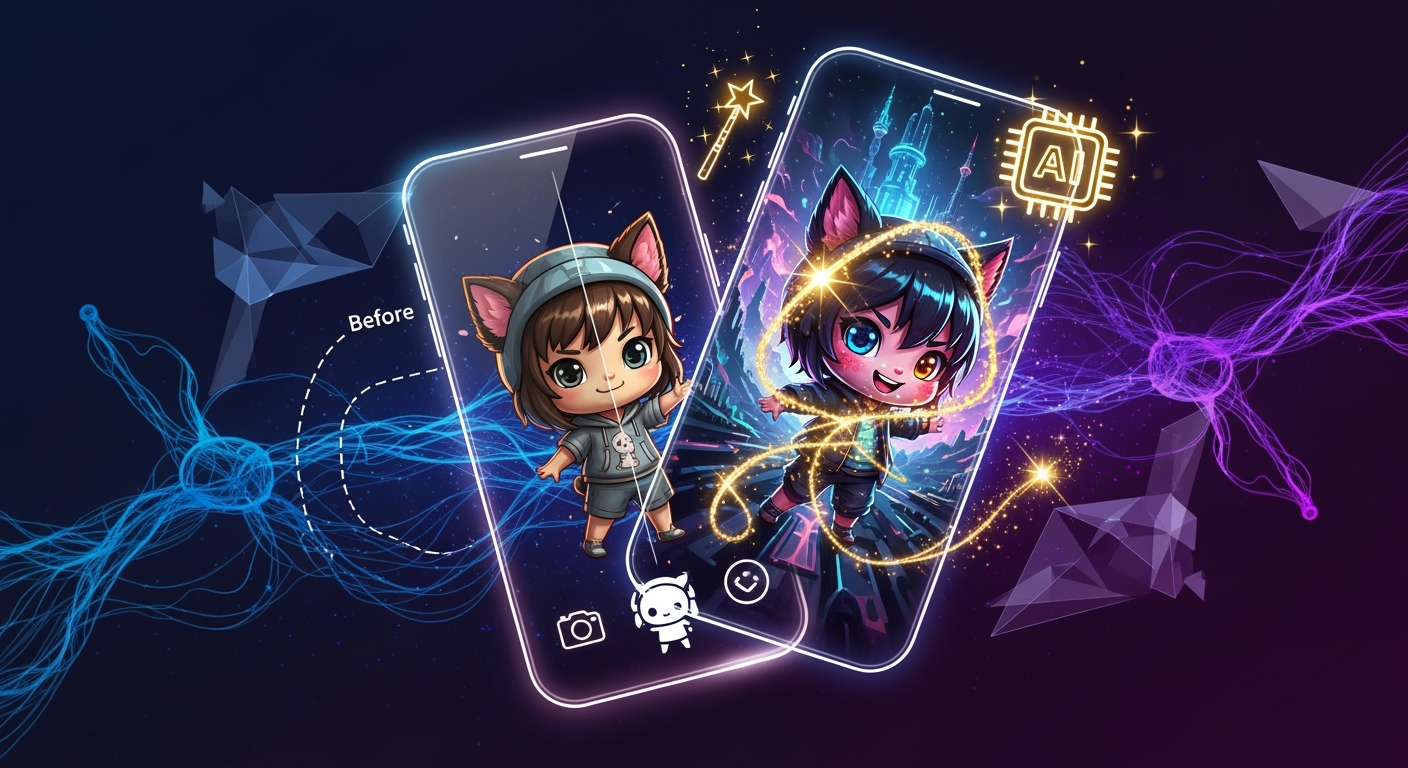
October 26, 2025 – Hey creators! If you're scrolling through TikTok, Instagram, or even BeReal this year, you've probably noticed a particular aesthetic dominating your feed: the utterly adorable, super-deformed world of Chibi. Last year, we saw the explosion of AI photo editing, and in 2025, it's not just mainstream – it's essential. With 71% of social media images now leveraging AI, standing out requires more than just a good eye; it demands smart tools and a keen understanding of current viral trends. And guess what? Creating those eye-catching, viral Chibi photos is now easier and more accessible than ever.
This year, the AI photo editor market has seen a staggering 441% growth since 2024, transforming from a niche tool to a daily essential for content creators, influencers, and even casual photographers. The demand for one-click solutions and efficient workflows is sky-high, and thankfully, AI is answering the call. If you're looking to inject some serious cuteness and virality into your content, you've landed in the right place. Let's dive into how you can create viral Chibi photos with AI in 2025!
The Chibi Craze: Why It's Blowing Up in 2025
Chibi, a Japanese slang term meaning "small" or "dwarf," refers to a style of caricature where characters are drawn in a super-deformed, often childlike, way. Think big heads, small bodies, and oversized expressive eyes. Last year, we saw early iterations of AI filters dabbling in anime transformations, but in 2025, the Chibi aesthetic has truly solidified its viral status. Why the surge?
- Universal Appeal: Chibi characters are inherently cute and approachable, transcending language barriers and cultural differences. They evoke feelings of joy, nostalgia, and lightheartedness – exactly what audiences crave on fast-paced social media.
- Content Creator Demand: Influencers and content creators are constantly seeking fresh, engaging ways to present themselves and their content. Chibi transformations offer a fun, unique, and instantly shareable way to do this. It’s a visual hook that grabs attention.
- AI Maturity: AI models have become incredibly sophisticated. They can now accurately interpret complex prompts and apply stylistic transformations with stunning detail and consistency, making Chibi conversions seamless and high-quality.
- Viral Trends Alignment: The Chibi style perfectly complements other trending aesthetics like lo-fi, pixel art, and even hyperrealistic enhancements (imagine a hyperrealistic background with a Chibi version of yourself!).
Platforms like TikTok and Instagram Reels are flooded with short-form videos showcasing dramatic "before and after" Chibi transformations. BeReal users are even starting to experiment with Chibi filters for their daily authentic snapshots. This isn't just a fleeting trend; it's a significant shift in how we interact with and perceive our own images online in 2025.
Editee: Your Secret Weapon for Viral Chibi Photos
Remember the early days of AI photo editing last year? It was exciting but often clunky, requiring intricate knowledge of parameters or manual touch-ups. Enter Editee, the prompt-based AI image editor that launched in 2024 and has rapidly become a game-changer. In 2025, Editee has leveled up with its web app launch, making powerful AI editing accessible across all your devices – iOS, Android, and now, your desktop browser.
Editee's core philosophy is simple: edit photos by typing natural language instructions. No more wrestling with complex sliders or obscure tools. You describe what you want, and Editee's advanced AI models do the heavy lifting. This is precisely the one-click solution content creators have been demanding.
What makes Editee perfect for creating viral Chibi photos in 2025?
- Prompt-Based Mastery: Editee excels at understanding and executing stylistic prompts. This is crucial for Chibi transformations, where you need to specify the desired aesthetic accurately.
- Viral Trend Support: Editee is built with 2025's hottest trends in mind. It natively supports anime filters, the beloved chibi style, and various lo-fi effects, ensuring your creations are on-point.
- Smart Suggestions: Stuck on a prompt? Editee’s smart suggestion buttons offer trending prompts, making it easy to discover and replicate popular looks without guessing.
- No Manual Editing Required: This is a big one. Editee is 100% AI-powered prompts. There are no manual brushes or touch-up tools. Everything is achieved by describing your desired outcome, which streamlines the workflow dramatically.
- High-Quality AI Models: Editee utilizes individual, high-quality AI models for processing, ensuring your Chibi transformations are sharp, detailed, and retain a high degree of fidelity to your original image while applying the new style.
- Real-Time Preview & History: See your edits in real-time and easily revert changes with Editee's complete edit history, allowing for experimentation without fear.
For content creators focused on efficiency, Editee's intuitive, prompt-based workflow is a dream. You can go from a standard photo to a viral-ready Chibi masterpiece in minutes, not hours. Plus, with the web app now live, you can seamlessly switch between your phone and computer for editing.
Practical Guide: Creating Your First Viral Chibi Photos with Editee
Ready to get your hands dirty? Let's walk through how you can use Editee to create some fire Chibi photos. We'll use a hypothetical photo of yourself smiling. Remember, the key is descriptive prompts.
Step 1: Upload Your Photo
Open the Editee app (iOS, Android) or the Editee web app and upload the photo you want to transform. It could be a selfie, a photo of a pet, or even a landscape – though Chibi works best with subjects that have distinct features.
Step 2: Craft Your Chibi Prompt
This is where the magic happens. Editee understands natural language. Here are some prompt examples you can try. Start simple and then get more specific.
Basic Chibi Transformation:
"Transform this photo into a cute Chibi character."
Why it works: This is direct and tells the AI the core transformation you want. Editee will infer standard Chibi proportions (big head, small body, large eyes).
Adding Stylistic Elements:
"Make me a Chibi version with big, sparkly anime eyes and a small, round body. Add a soft, lo-fi filter."
Why it works: This prompt specifies key Chibi features ("big, sparkly anime eyes," "small, round body") and adds a popular 2025 aesthetic ("soft, lo-fi filter").
Referencing Specific Aesthetics:
"Convert this image to a Chibi style, similar to Studio Ghibli characters, with vibrant colors and a playful expression."
Why it works: This prompt leverages the "Studio Ghibli" aesthetic, which many users associate with high-quality, charming animation. It also adds emotional context ("playful expression").
Focusing on Details:
"Create a Chibi version of myself with oversized, expressive eyes, a tiny nose, and a simplified, rounded head. Keep my original hair color but make it look softer."
Why it works: This prompt breaks down the Chibi features into more specific instructions, giving you greater control over the final look.
Step 3: Refine with Smart Suggestions
After typing your initial prompt, Editee's smart suggestion buttons might pop up. These can offer variations like: "Add a blush effect," "Make the background dreamy," or "Apply a pastel color palette." Click these to quickly enhance your Chibi creation.
Step 4: Review and Save
Editee provides a real-time preview of your edit. Once you're happy, you can save the image. If you're not quite there, use the edit history to undo, tweak your prompt, and try again. The beauty of prompt-based editing is the iterative process. You can experiment endlessly!
Pro-Tip: Try combining Chibi with other trends! For example: "Create a Chibi version of my dog in a pixel art style, with a retro color scheme." The possibilities are truly endless in 2025 with AI.
Beyond Chibi: Viral Trends of 2025
While Chibi is a massive trend, it's not the only thing making waves in AI-powered photography this year. Content creators are leveraging AI for a diverse range of viral aesthetics:
- Anime Transformations: Similar to Chibi but often aiming for more detailed, direct anime character styles. Think turning your selfie into a character from your favorite shonen or shojo series. Editee supports these directly.
- Lo-Fi Aesthetics: This trend embraces a relaxed, nostalgic vibe. Think grainy textures, muted colors, and a vintage film look. Prompts like
"Apply a dreamy lo-fi filter with subtle film grain"are incredibly popular. - Clay Filters: Imagine your photos rendered as if they were made of clay. This tactile, playful aesthetic is perfect for product shots, portraits, and even pet photos. A prompt like
"Render this as a 3D claymation character"can achieve this. - Pixel Art: Bringing back the charm of retro video games, pixel art transformations are incredibly popular for creating unique profile pictures and graphics.
- Hyperrealistic Enhancement: While seemingly opposite to Chibi, AI is also used to make photos *more* realistic, enhancing details, lighting, and textures to an almost unbelievable degree. This is often used for landscapes or dramatic portraits.
The key takeaway for content creators in 2025 is that AI tools like Editee allow you to effortlessly blend these trends. You can create a hyperrealistic background with a Chibi character, or apply a lo-fi filter to your pixel art creation. Cross-pollination of styles is where virality often lies.
AI vs. Traditional Editing in 2025: The Efficiency Revolution
Last year, many professionals still relied heavily on Photoshop or Lightroom. While these tools remain powerful for intricate retouching, the landscape has shifted dramatically for content creation. In 2025, AI-powered editors are the go-to for speed, ease of use, and achieving specific viral effects.
- Speed: Traditional editing can take hours for complex stylistic changes. AI, especially prompt-based editing with advanced models like those in Editee, can achieve similar or even more unique results in seconds or minutes.
- Accessibility: You don't need to be a Photoshop wizard anymore. Natural language prompts are intuitive. Editee's mobile-first design, now enhanced with a web app, means you can edit on the go, seamlessly integrating with your social media workflow.
- Trend Adoption: AI models are constantly updated to reflect new viral trends. Keeping up with the latest filters and styles manually is nearly impossible. Editee, by design, supports current viral trends like Chibi and lo-fi.
- Cost: While professional software has a steep learning curve and cost, many AI editors offer accessible subscription models or even free tiers, making them viable for creators of all levels.
The rise of mobile-first editing is undeniable. Content creators live on their phones, and tools that fit this workflow are paramount. Editee's cross-platform availability, with its robust iOS, Android, and web versions, ensures you can create and post viral content from anywhere, anytime.
