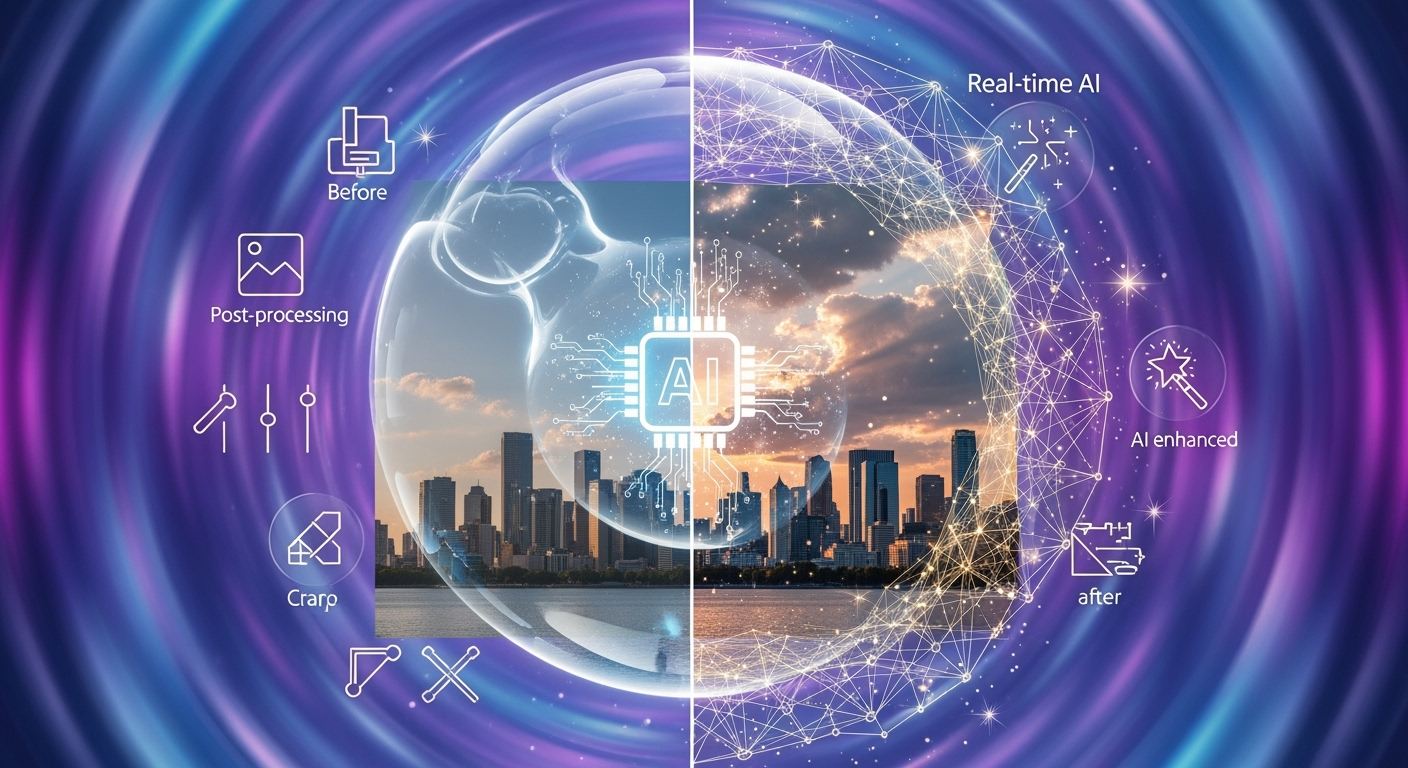
The AI Photo Revolution is Here: Why 2025 is Different
Hey creators, influencers, and photography enthusiasts! It's October 31, 2025, and if you're not already deep in the AI editing game, you're probably feeling a little FOMO. Last year, 2024, saw AI photo editors explode with a staggering 441% growth, and this year, they're not just mainstream – they're essential. No cap, 71% of social media images now leverage AI in some form. From viral Chibi transformations on TikTok to hyperrealistic enhancements on Instagram, AI is no longer a novelty; it's the engine driving modern visual content.
But as AI capabilities skyrocket, a fundamental question looms: are we all about that real-time AI filter life, or is there still a place for meticulous post-processing? This year, the lines are blurring faster than a Studio Ghibli character in a lo-fi aesthetic. Let's dive deep into the world of real-time AI filters versus post-processing and how tools like Editee are reshaping the landscape.
What's Trending in 2025: Viral Aesthetics and AI's Grip
Remember last year when AI filters were just starting to get interesting? Fast forward to 2025, and the viral trends are absolutely fire. We're talking about:
- Anime Transformations: Turning yourself into a vibrant anime character is HUGE on platforms like TikTok and Instagram Reels.
- Chibi Style: The adorable, oversized-head aesthetic is back and better than ever, thanks to advanced AI models.
- Lo-fi Aesthetics: Recreating that nostalgic, grainy, and often dreamlike feel is a go-to for moodier content.
- Clay Filters: The tactile, almost tangible look of claymation is a popular choice for unique portraits.
- Pixel Art: A retro revival, perfectly executed by AI for a nostalgic digital vibe.
- Hyperrealistic Enhancement: Not just sharpening, but intelligent detail restoration and subtle improvements that make photos pop without looking fake.
Content creators are constantly chasing the next viral look, and AI is providing the tools to do it at lightning speed. The demand for one-click solutions and efficient workflows is at an all-time high, especially with the dominance of mobile-first editing and the rise of powerful web apps.
Real-time AI Filters: The Instant Gratification Engine
Real-time AI filters are the stars of the show when it comes to instant impact. Think of the filters you see on BeReal, Snapchat, or even the live preview modes in many editing apps. These filters apply AI-powered effects to your image or video feed *as you're capturing it*, or with a single tap after capture.
How They Work (The 2025 Edition)
In 2025, these aren't your grandma's Instagram filters. Advanced neural networks analyze your image in real-time, understanding context, lighting, and subject matter. They can:
- Apply stylistic transformations: Instantly convert your photo into a painting, anime style, or claymation.
- Enhance features: Subtly smooth skin, brighten eyes, or adjust facial symmetry.
- Modify backgrounds: Swap out backgrounds or add artistic bokeh effects.
- Correct imperfections: Remove minor blemishes or adjust lighting on the fly.
The Pros of Real-time AI Filters:
- Speed: Unbeatable for quick content creation and live previews.
- Ease of Use: Often a single tap or slider adjustment.
- Experimentation: Allows for rapid testing of different looks.
- Viral Potential: Many trending filters are real-time applications.
The Cons of Real-time AI Filters:
- Limited Control: You often get what the AI gives you, with little room for fine-tuning specific areas.
- Consistency Issues: Real-time processing can sometimes lead to artifacts or unnatural results, especially with complex scenes.
- Less Originality: Popular filters can lead to a sea of similar-looking content.
- "Set it and Forget It": Can discourage deeper understanding of photographic principles.
Post-Processing: The Power of Precision and Control
Post-processing, on the other hand, refers to the traditional method of editing photos after they've been taken, using software like Adobe Photoshop, Lightroom, or dedicated AI editing apps. This is where you have granular control over every aspect of your image.
How It Works (Enhanced by 2025 AI)
While traditional post-processing involved manual adjustments, 2025 has seen AI deeply integrated into these workflows. Advanced AI models can now automate complex tasks, but the core principle remains: control. This includes:
- Layer-based editing: Applying adjustments non-destructively.
- Masking and selections: Precisely targeting specific areas (e.g., skies, portraits, objects).
- Color grading: Achieving specific moods and styles with detailed control over tones and hues.
- Retouching: Removing blemishes, wrinkles, or unwanted objects with advanced tools.
- Compositing: Combining multiple images or elements.
The Pros of Post-Processing:
- Ultimate Control: You are the artist, dictating every pixel.
- High-Quality Results: Allows for professional-grade, polished images.
- Uniqueness: Enables the creation of truly original styles.
- Problem Solving: Essential for correcting significant exposure issues or composition flaws.
The Cons of Post-Processing:
- Time-Consuming: Can take significant time and effort, especially for complex edits.
- Steep Learning Curve: Traditional software often requires extensive training.
- Requires Skill: Mastery of tools and techniques is necessary for professional results.
- Less Spontaneous: Not ideal for capturing fleeting moments.
Editee: The Prompt-Based AI Editor Redefining 2025 Workflows
So, where do tools like Editee fit into this? Launched last year in 2024 and now with a powerful web version available this year, Editee represents a paradigm shift. It bridges the gap between the instant gratification of real-time filters and the control of post-processing, all through the power of natural language prompts.
Forget endless menus and complex sliders. With Editee, you simply tell the AI what you want. This is prompt-based editing, and it's a game-changer for content creators who demand efficiency and creativity.
How Editee Works: Your Creative AI Assistant
Editee's magic lies in its advanced AI models and intuitive prompt interface. You upload your photo (on iOS, Android, or now the web), and then you type. Want to transform your portrait into a Studio Ghibli-esque character? Just type: "Make this photo look like a Studio Ghibli animation."
Editee offers:
- Natural Language Prompts: Edit by describing your desired outcome.
- Smart Suggestion Buttons: Access trending prompts and popular styles with just a tap.
- Real-time Preview: See your edits come to life instantly.
- Complete Edit History: Undo and redo changes effortlessly.
- 100% AI-Powered: No manual brushwork needed – everything is driven by intelligent AI prompts.
- Support for Viral Trends: Effortlessly achieve anime styles, chibi transformations, lo-fi effects, and more.
- Individual Photo Processing: High-quality AI models ensure stunning results every time.
Practical Editee Prompt Examples for 2025 Trends:
- For Anime Fans: "Transform this portrait into a vibrant anime character, with big expressive eyes and a dynamic background."
- For Chibi Lovers: "Apply a cute chibi filter, making the subject's head larger and their body smaller, with soft, rounded features."
- For Lo-fi Vibes: "Add a dreamy lo-fi aesthetic, with subtle film grain, muted colors, and a slightly hazy atmosphere."
- For Claymation Style: "Render this photo in a claymation style, with soft textures and visible sculpting lines."
- For Hyperrealism: "Enhance the details of this landscape, making the colors richer and the textures more defined, but keep it realistic."
- For Creative Backgrounds: "Replace the background with a cosmic nebula, with vibrant purples and blues."
- For Subtle Enhancements: "Gently smooth the skin and brighten the eyes, making the subject look naturally refreshed."
The beauty of Editee is that it democratizes advanced editing. You don't need to be a Photoshop wizard to achieve professional-looking, trend-setting results. It's perfect for quick edits for TikTok or YouTube Shorts, or for creating stunning visuals for your Instagram feed.
Real-time AI Filters vs. Post-Processing: The 2025 Showdown
In 2025, the choice isn't always black and white. It's about choosing the right tool for the job.
| Feature | Real-time AI Filters | Post-Processing (AI-Enhanced) | Editee (Prompt-Based AI) |
|---|---|---|---|
| Speed | 🚀 (Very High) | 🐢 (Moderate to High) | ⚡ (High) |
| Control | 🤏 (Low) | 👑 (Very High) | ✨ (High, through descriptive prompts) |
| Ease of Use | 👍 (Very High) | 🤔 (Moderate to High learning curve) | 👍👍 (Very High, natural language) |
| Creative Potential | 🌟 (Moderate, dependent on filter library) | 🌠 (Very High) | 🌠🌠 (Very High, driven by user creativity) |
| Workflow Efficiency | ✅ (Excellent for quick edits) | ⏳ (Can be time-consuming) | ✅✅ (Excellent for creative efficiency) |
| Mobile-First Dominance | 📱 (Strong) | 💻 (Historically, but mobile apps are catching up) | 📱💻 (Strong across all platforms) |
Mobile-first editing is no longer a niche; it's the standard. Creators are on the go, and they need powerful tools that work seamlessly on their smartphones. Editee excels here, offering its full prompt-based power on iOS and Android, with its 2025 web app further expanding accessibility for those who prefer a desktop or tablet interface.
While traditional post-processing offers unparalleled control, it often means dedicating significant time. Real-time filters offer speed but lack depth. Editee, with its prompt-based approach, offers the best of both worlds: creative freedom and speed, all powered by advanced AI that understands your intent.
Navigating Authenticity, Ethics, and AI Detection in 2025
With AI's pervasive influence, questions about authenticity and ethics are more relevant than ever. As 71% of social media images in 2025 use AI, users are becoming more discerning. There'
