AI headshot generator: from selfie to pro
Upload a selfie and get a polished professional headshot: studio lighting, business attire and a clean background, while you still look like you. No photographer, no studio booking.
What is an AI headshot generator?
An AI headshot generator is a tool that turns an everyday selfie into a professional headshot by changing the lighting, clothes and background while keeping your face. In EditAI you upload one photo, describe the look you want, for example LinkedIn, corporate or resume, and get the headshot in about a minute. You do not need a photographer or a set of training photos.
AI headshots before and after
Real selfies turned into professional portraits inside EditAI. Each one used only the prompt shown under it.
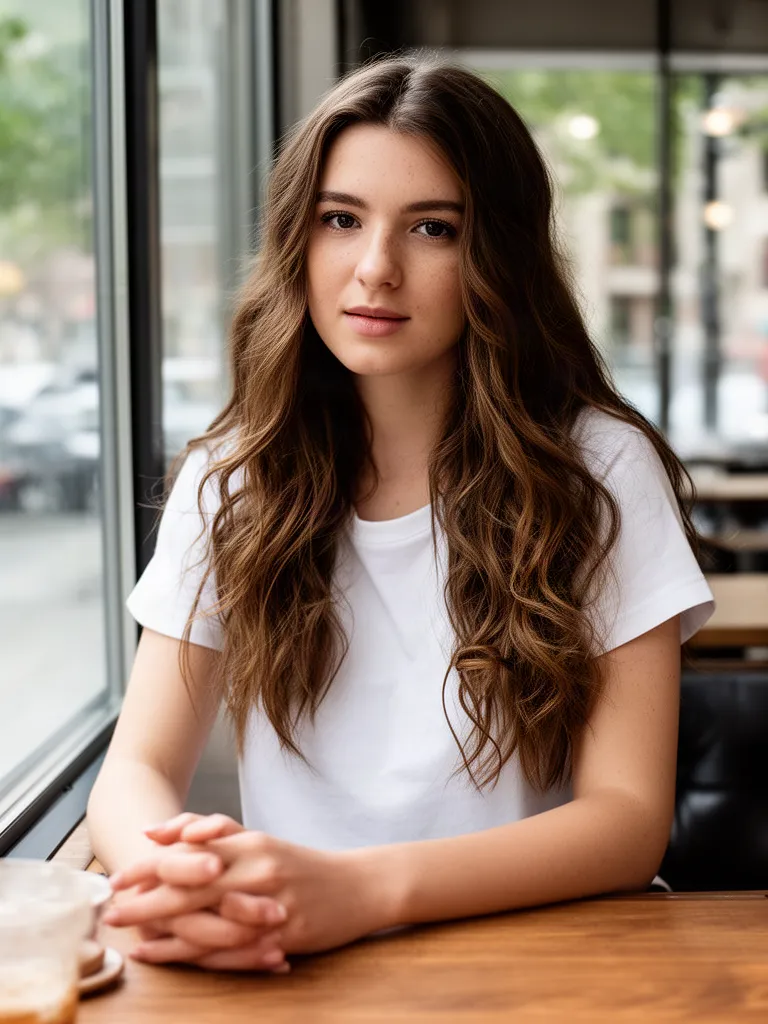 Before
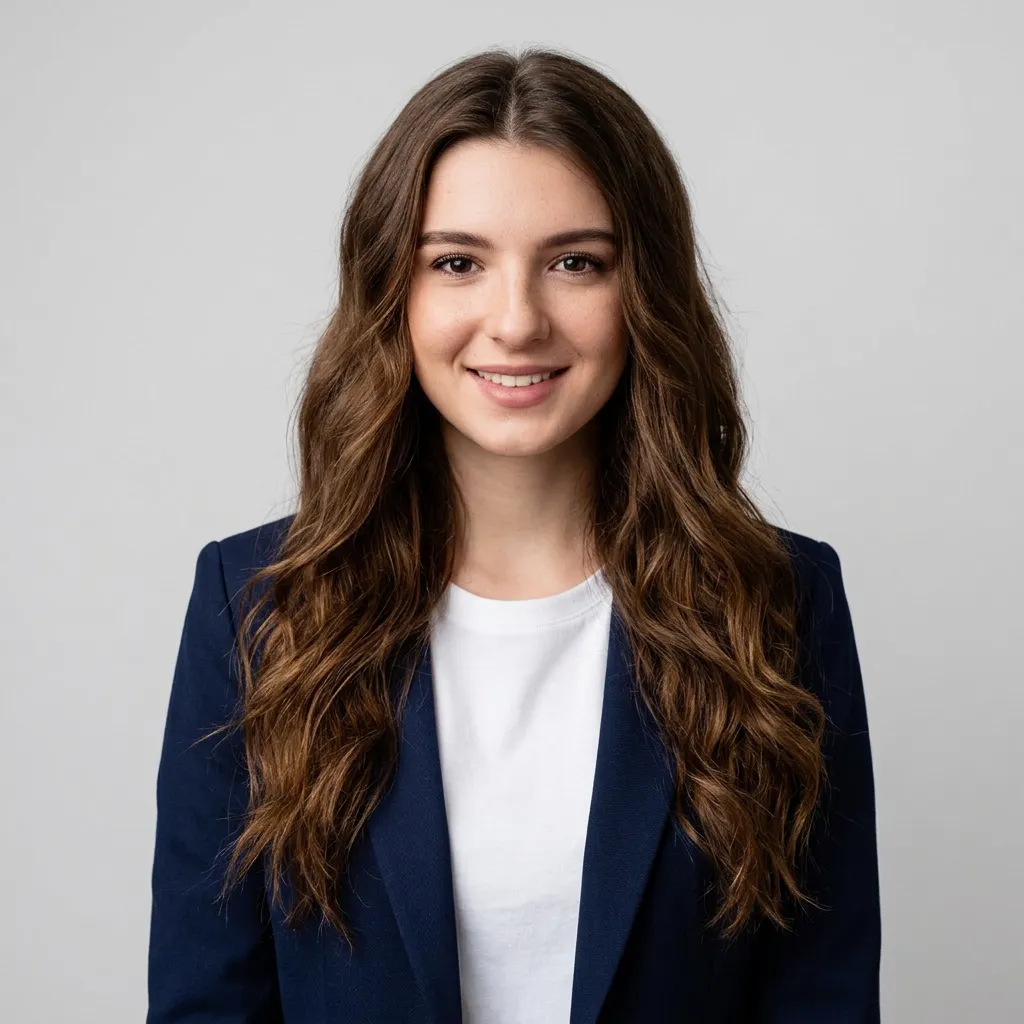 After
AfterLinkedIn headshot with a navy blazer
Nano Banana 2“Turn this into a professional LinkedIn headshot of the same woman: navy blazer over a white top, neutral light grey studio background, soft studio lighting, head and shoulders”Try this prompt →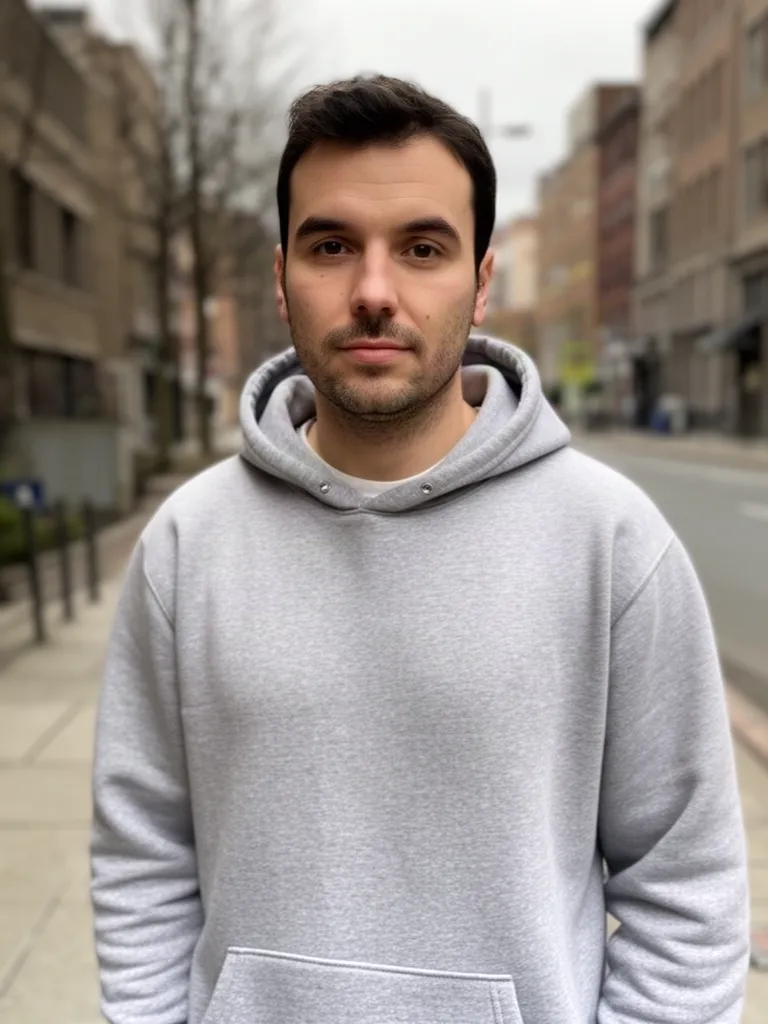 Before
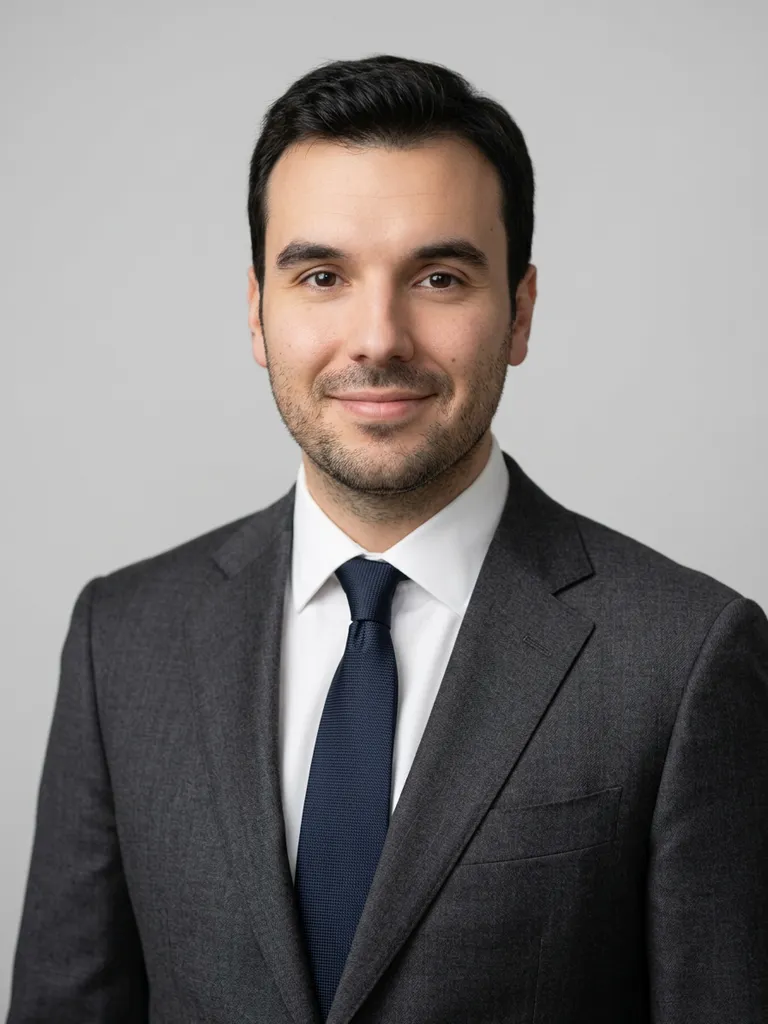 After
AfterCorporate headshot in a charcoal suit
Nano Banana 2“Turn this into a professional corporate headshot of the same man: charcoal suit, white shirt, neutral grey studio background, soft studio lighting, head and shoulders”Try this prompt →Before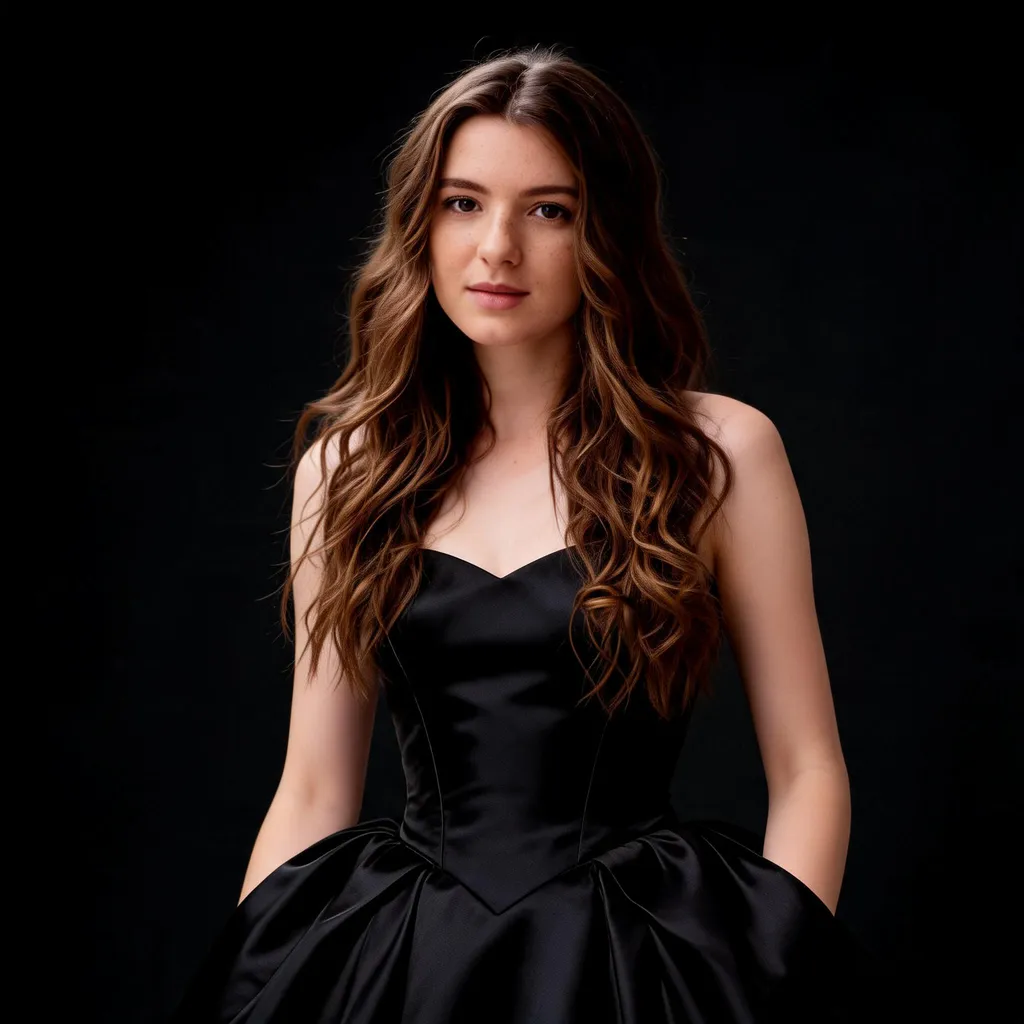 After
AfterEditorial portrait in a black dress
Seedream 5.0 Lite“Fashion editorial portrait of the same woman in an elegant black evening dress, studio lighting, high-end magazine look”Try this prompt →AI headshot generator at a glance
| What it changes | Lighting, clothes, background and framing, for a clean professional look |
|---|---|
| What stays | Your face, features and expression, so the photo still looks like you |
| Photos needed | One clear selfie. No training set and no studio session |
| Model used | Nano Banana 2 for the two headshots above, because it keeps a face closest to the original |
| Good for | LinkedIn, resumes, company team pages, speaker bios and profile pictures |
| In EditAI | Included in the Starter and Pro plans, on web, iPhone and Android. Nano Banana 2 is a Pro model |
Headshots for every use
LinkedIn headshots
A neutral studio backdrop and sharp attire that work as a profile photo.
Corporate portraits
A softly blurred office behind you and a confident, polished look.
Resume and CV photos
Clean, neutral and approachable, framed from the shoulders up.
Change the attire
Swap a hoodie or t-shirt for a blazer, a shirt or a suit.
Natural retouch
Even lighting and skin that stays realistic, not plastic.
Team consistency
Use the same prompt for every colleague so the team page matches.
How it works
Three steps. Most edits are ready in about a minute.
Upload a selfie
A clear, front-facing photo in decent light, from your phone or computer.
Pick the style
LinkedIn, corporate or resume, or describe your own look in a sentence.
Download
Get the headshot in about a minute, refine it if you like, then download it in high resolution.
Headshot prompts to start from
Click a prompt to open it in the editor with your own photo.
Questions
Will it still look like me?
Yes. The AI keeps your face and likeness and changes the lighting, attire and background around it. The headshots above use Nano Banana 2, which keeps faces closest to the original.
Can I turn a selfie into a LinkedIn headshot?
Yes. Ask for a LinkedIn headshot with a blazer and a plain studio background, or click the first example on this page to open its prompt with your own photo.
How many photos do I need?
Just one. EditAI edits the photo you upload, so there is no training step: each headshot is ready in about a minute.
What selfie works best?
A clear, front-facing shot in decent light. Avoid heavy shadows, sunglasses or extreme angles.
Can I use it for a whole team?
Yes. Apply the same prompt to everyone's photo for a consistent team or about page.
How much does it cost?
Headshots are included in the EditAI plans: Starter at $4.99 a month (50 edits a day) and Pro at $9.99 a month (300 edits a day plus the premium models, including Nano Banana 2). You can cancel any time.