Sharper, bigger photos with the AI image upscaler
Upload a small, blurry or pixelated photo and the AI enlarges it while redrawing edges, hair, fur and faces. It sharpens what is in the photo; it cannot recover what the camera never captured.
What is an AI image upscaler?
An AI image upscaler is a tool that makes a photo larger and sharper by predicting the fine detail that a normal resize would blur. In EditAI you upload an image, ask to upscale or sharpen it, and get a cleaner, higher-resolution version in about a minute. The AI rebuilds detail that fits the photo, but it cannot bring back things that were never captured, like text too small to read.
AI upscaler before and after
Real low-quality photos upscaled inside EditAI. Each one used only the prompt shown under it.
 Before
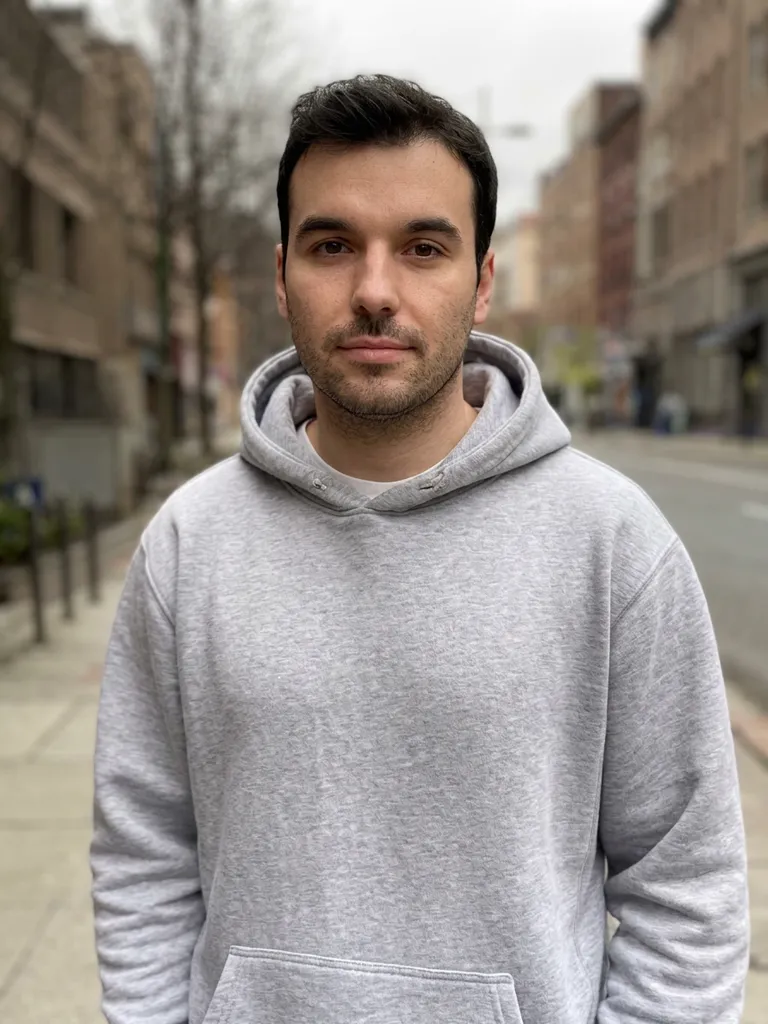 After
AfterBlurry low-res portrait made sharp
Nano Banana 2“Upscale and enhance this low-resolution photo: restore sharp natural detail in the face, hair and hoodie, remove blur and compression artifacts, keep the same person and composition”Try this prompt → Before
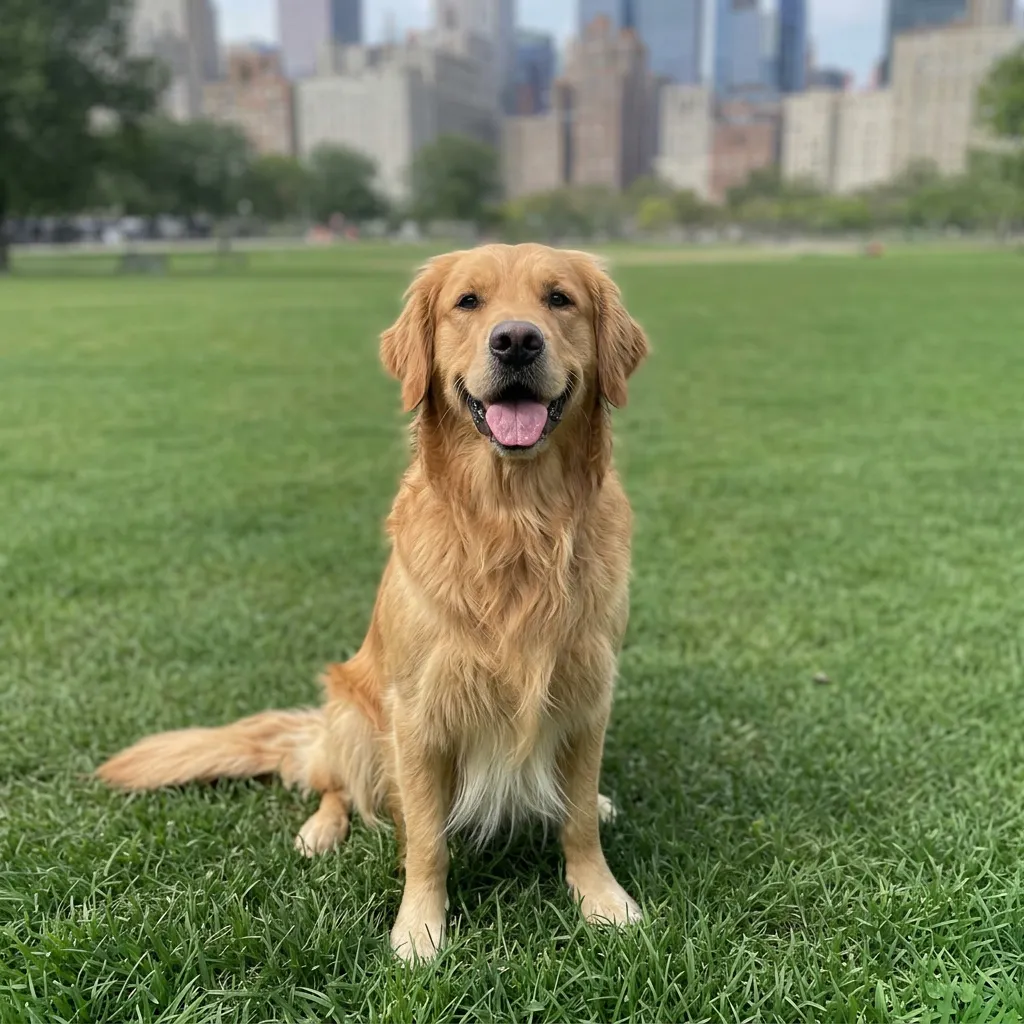 After
AfterPixelated pet photo with sharp fur
Nano Banana 2“Upscale and enhance this blurry photo: sharp fur detail, crisp grass, remove pixelation, keep everything else the same”Try this prompt → Before
 After
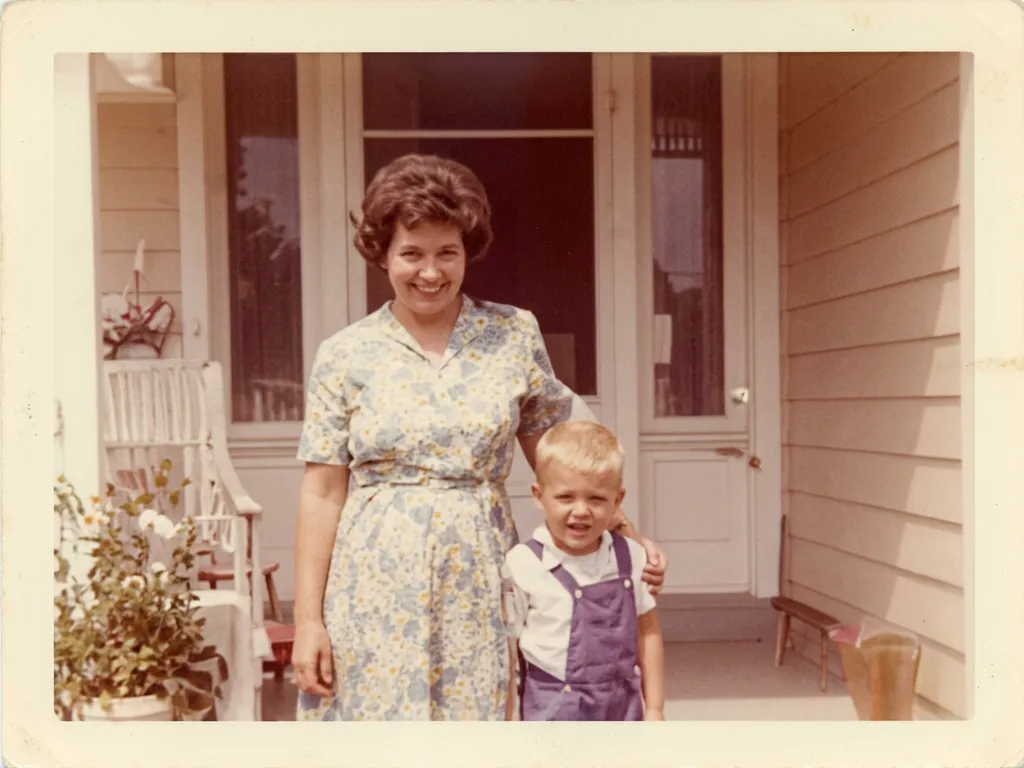
AfterBlurry old photo restored
Nano Banana 2“Upscale and restore this blurry old photo: sharpen faces and details, remove scratches, keep the vintage colors natural”Try this prompt →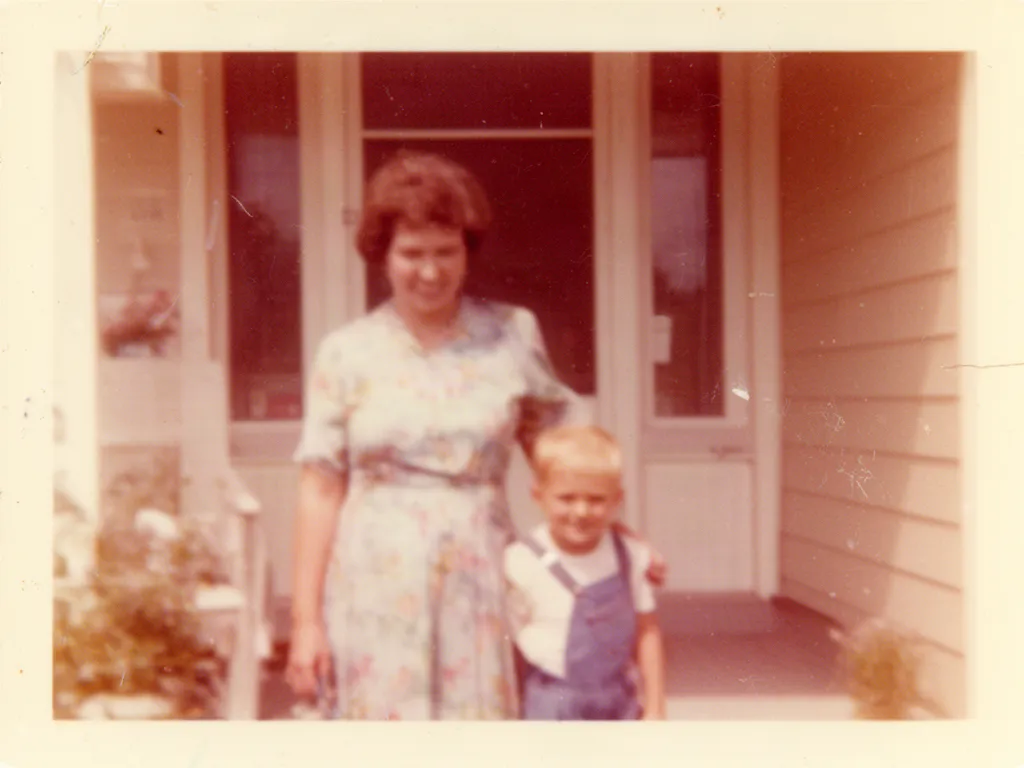 Before
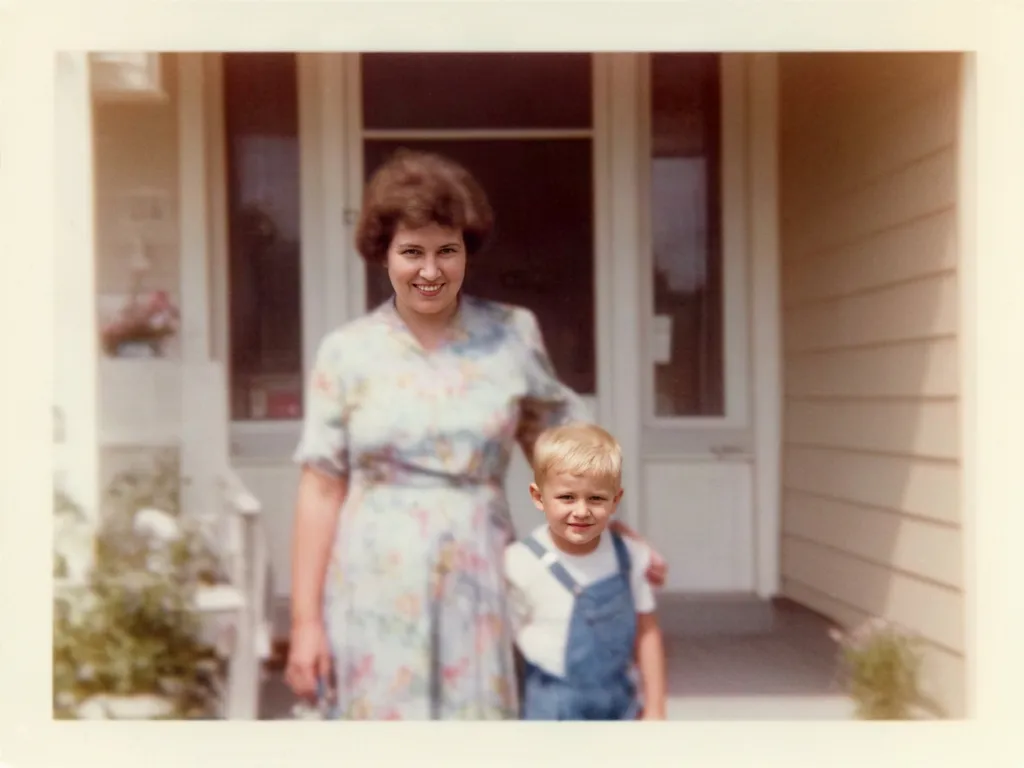 After
AfterFaded 1970s print brought back
Nano Banana 2“Restore this old photo: remove scratches and dust, fix the faded colors, sharpen faces, keep it natural”Try this prompt →AI image upscaler at a glance
| What it does | Enlarges a photo and redraws edges, hair, skin, fur and text so it looks sharp at the bigger size |
|---|---|
| Best for | Small images from the web, old phone photos, screenshots, pet and family photos, product shots |
| How much bigger | The upscaler roughly doubles the width and height in one pass when you ask for an upscale. Need more? Upscale the result again. |
| Models | EditAI's AI upscaler, plus Nano Banana 2 for very blurry or damaged photos (used in the examples above) |
| Honest limit | It rebuilds detail that fits the photo. If a face, a word or a number was never readable, the AI can only guess it |
| In EditAI | Included in the Starter and Pro plans, on web, iPhone and Android. Nano Banana 2 is a Pro model |
What the AI upscaler fixes
Low resolution
Enlarge small images from the web or old phones so they look clean at a bigger size.
Soft focus
Sharpen slightly blurry or out-of-focus shots while keeping the photo natural.
Pixelation
Smooth out blocky, pixelated images and rebuild clean edges.
Artifacts and noise
Clean up JPEG blocks and grain from screenshots and low-light photos.
Faces and fur
Redraw eyes, hair and fur with fine detail instead of a smeared look.
Old photos
Bring scanned prints back to a crisp image, or use the AI photo enhancer for light and color.
How it works
Three steps. Most edits are ready in about a minute.
Upload a photo
Open the Studio and drop in a JPG or PNG, even a small or blurry one.
Ask to upscale
Write “upscale this photo and make it sharp”, or click a prompt on this page to pre-fill it.
Download
Get the sharper, larger version in about a minute, then download it in high resolution.
Upscaler prompts to start from
Click a prompt to open it in the editor with your own photo.
Questions
How do I increase image resolution with AI?
Upload the photo to the EditAI Studio and ask to upscale it. The AI enlarges the image and redraws edges and textures, so it stays sharp at the bigger size instead of getting blurrier.
Can an AI upscaler fix a blurry photo?
It handles mild blur, soft focus and pixelation well, as in the examples above. On a very blurry photo the AI has to redraw more, so check that faces and text still look right before you use it.
Can it recover details that were never in the photo?
No. AI upscaling rebuilds detail that fits what is already there. If a word, a face or a number was never readable in the original, the AI can only guess it, and the guess may be wrong.
How much does the AI upscaler enlarge a photo?
Asking to upscale runs the AI upscaler, which roughly doubles the width and height in one pass. If you need a bigger file, upscale the result again. Examples on this page were enhanced with Nano Banana 2, which focuses on detail rather than size.
Upscaler or photo enhancer: what is the difference?
An upscaler is about size and sharpness. The AI photo enhancer also fixes light, color, noise and old damage. In EditAI both live in the same editor: just describe what you want.
How much does it cost?
Upscaling is included in the EditAI plans: Starter at $4.99 a month (50 edits a day) and Pro at $9.99 a month (300 edits a day plus the premium models, including Nano Banana 2). You can cancel any time.