Edit your photos with Seedream 5
Upload a photo, write what you want, and Seedream does the edit. Seedream 5.0 Lite and Seedream 4.5 are great at fashion and portrait shots, product ads and rooms with rich, realistic detail.
What is Seedream 5?
Seedream 5.0 Lite is the newest version of Seedream, ByteDance's family of AI models for creating and editing images from text instructions. It follows detailed prompts closely and renders faces, fabric and products with fine, realistic detail, while Seedream 4.5 is the previous version, still strong on product ads and landscapes. In EditAI you use both on your own photos: upload an image, describe the change, and get the edit in about a minute.
Seedream before and after
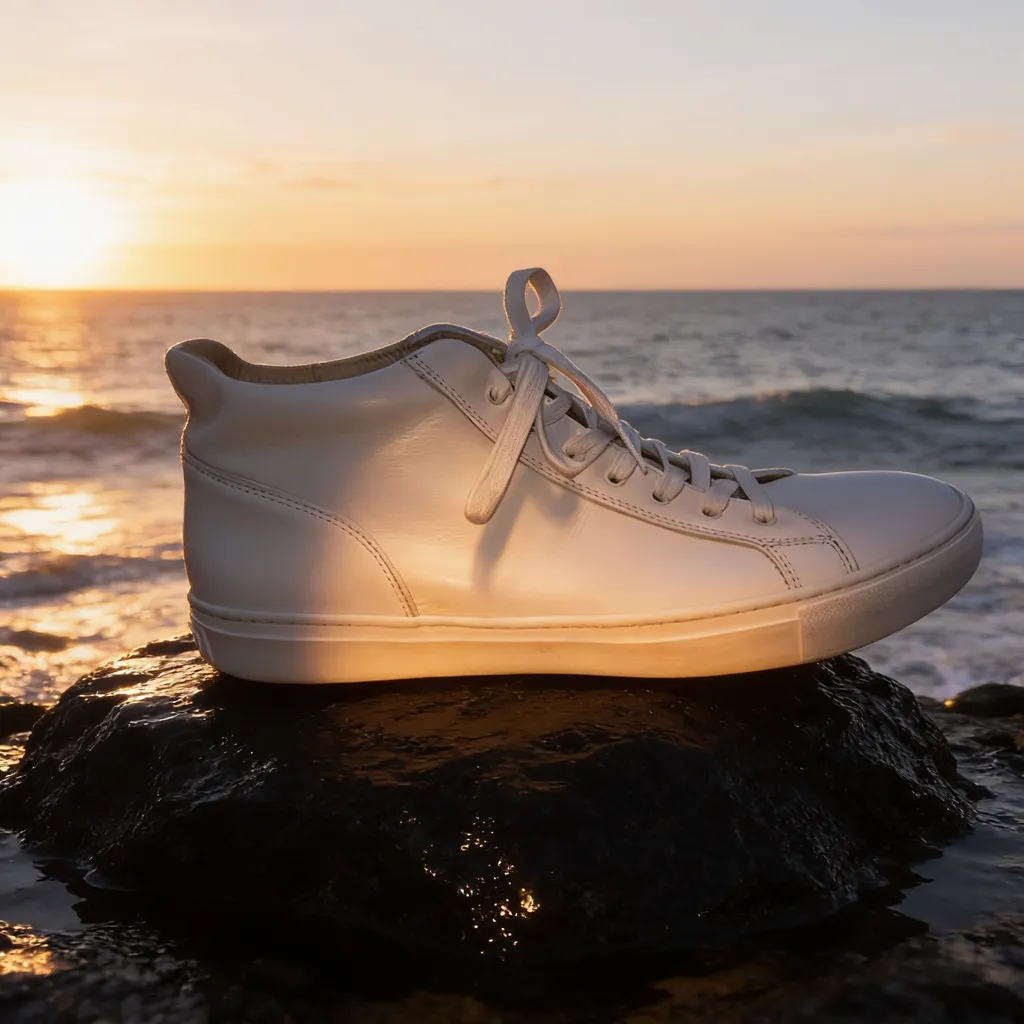
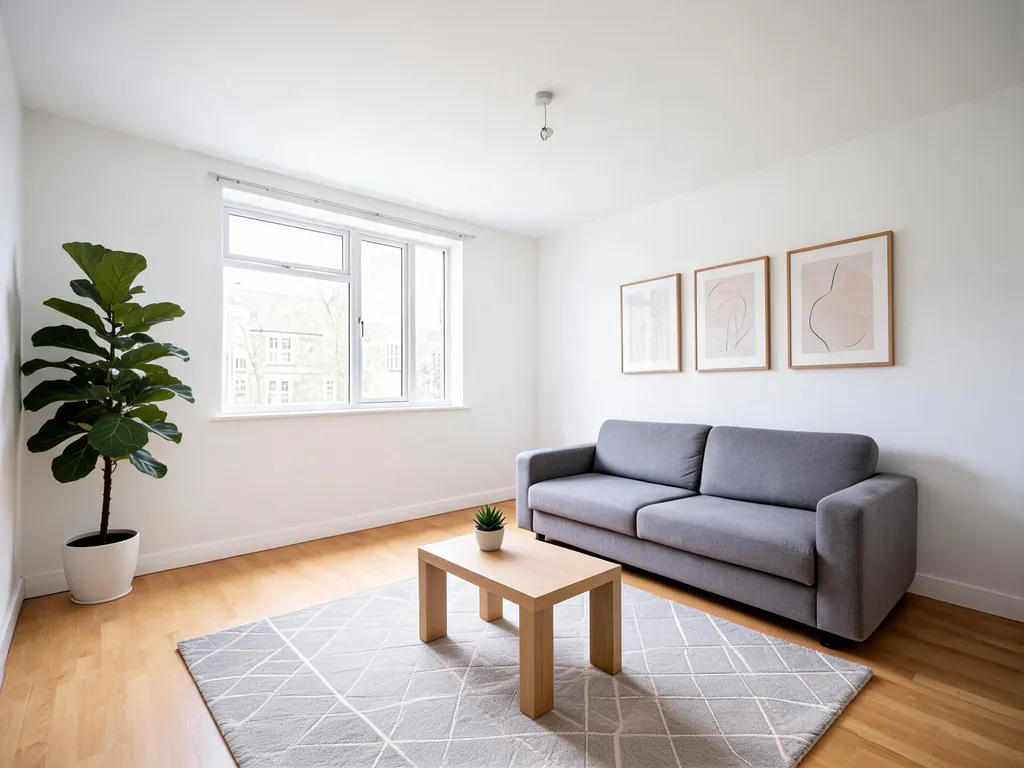
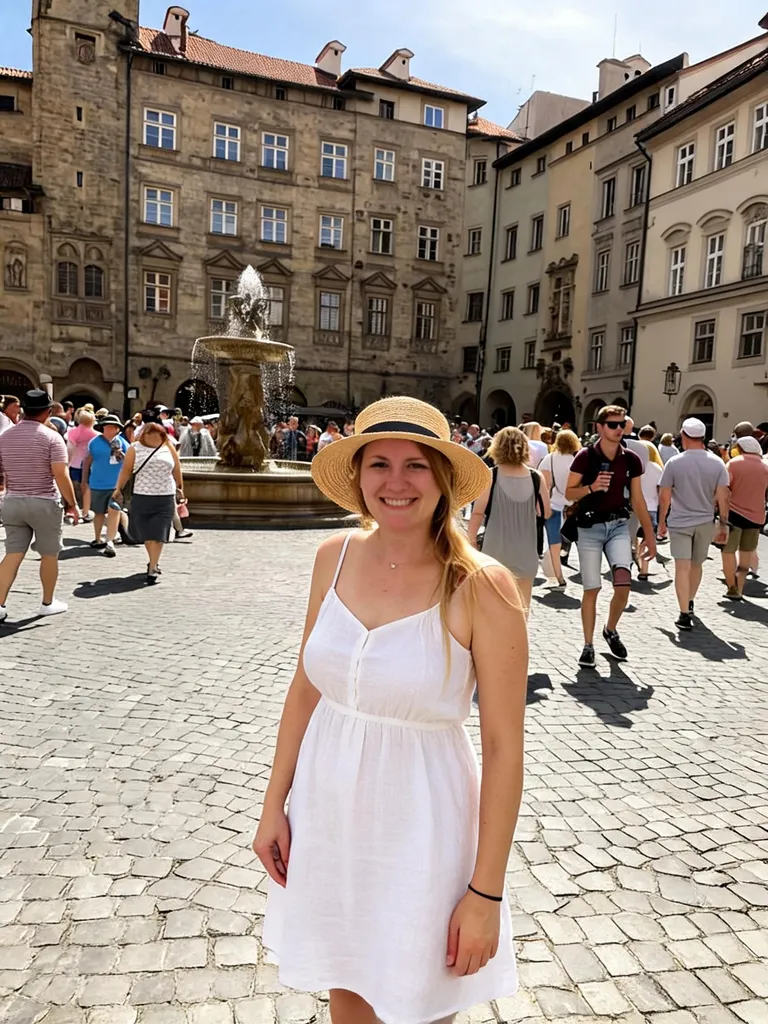
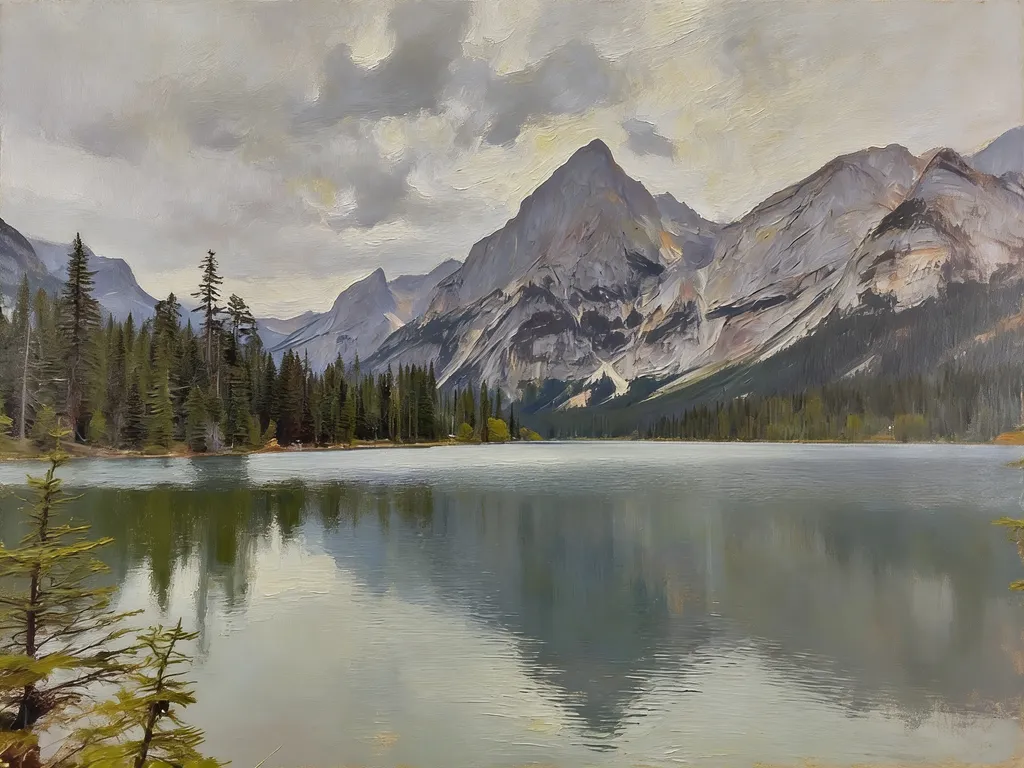
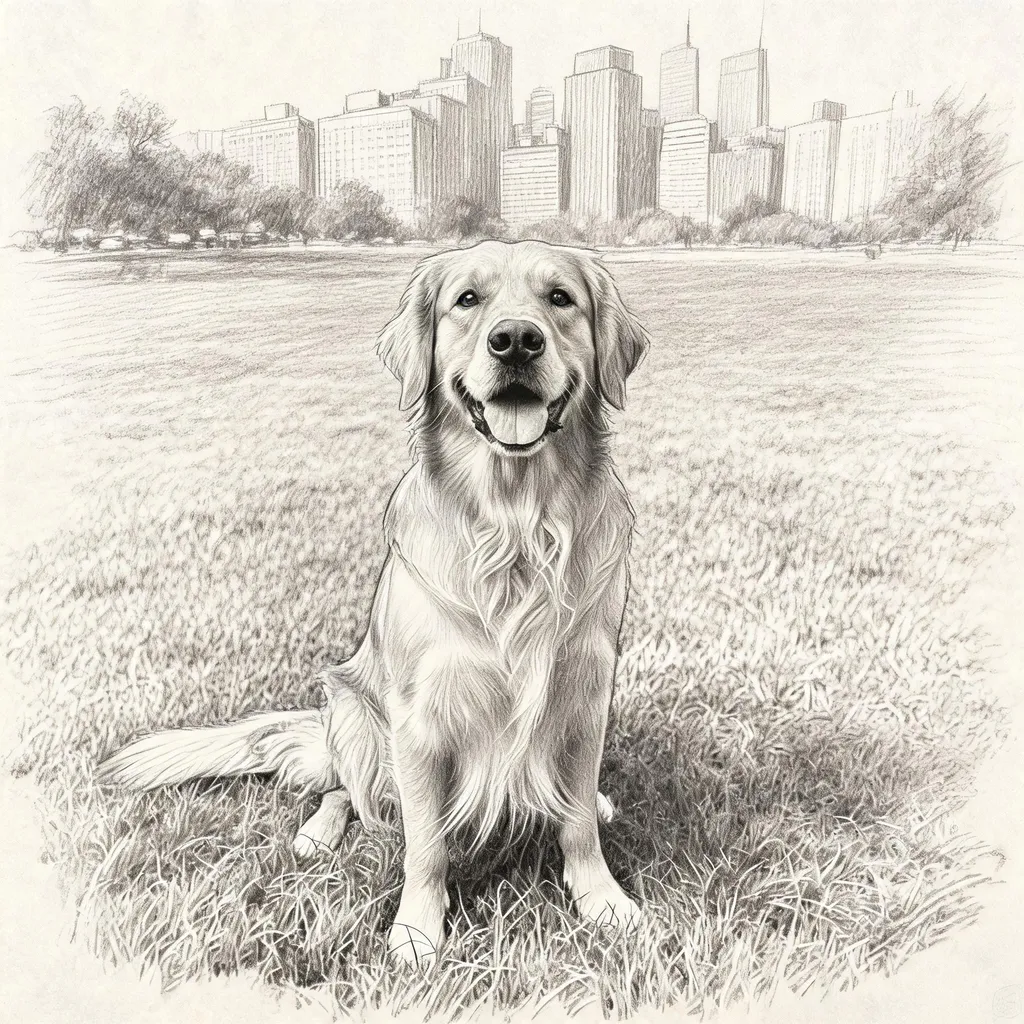
Real edits made with Seedream 5.0 Lite and Seedream 4.5 inside EditAI. Each one used only the prompt shown under it, and the label says which version made it.
 Before
 After
After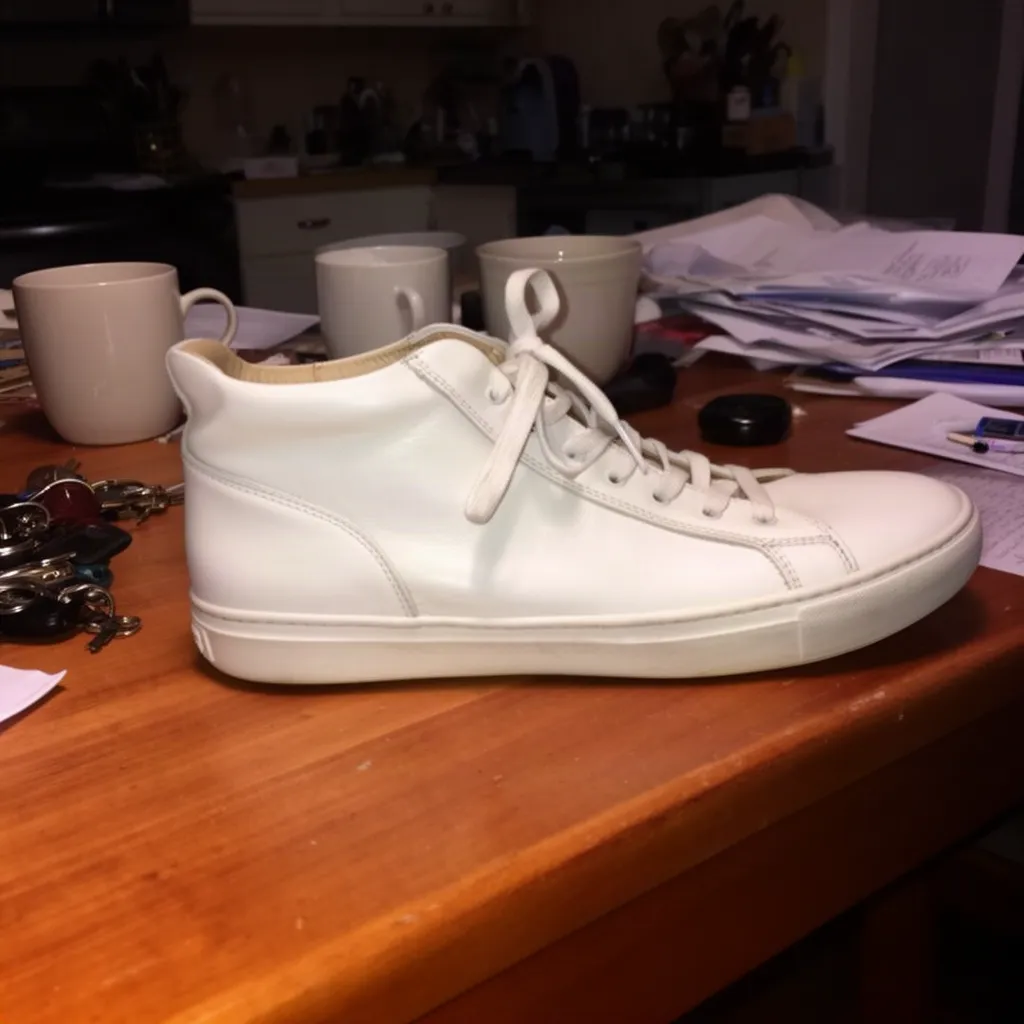 Before
 After
After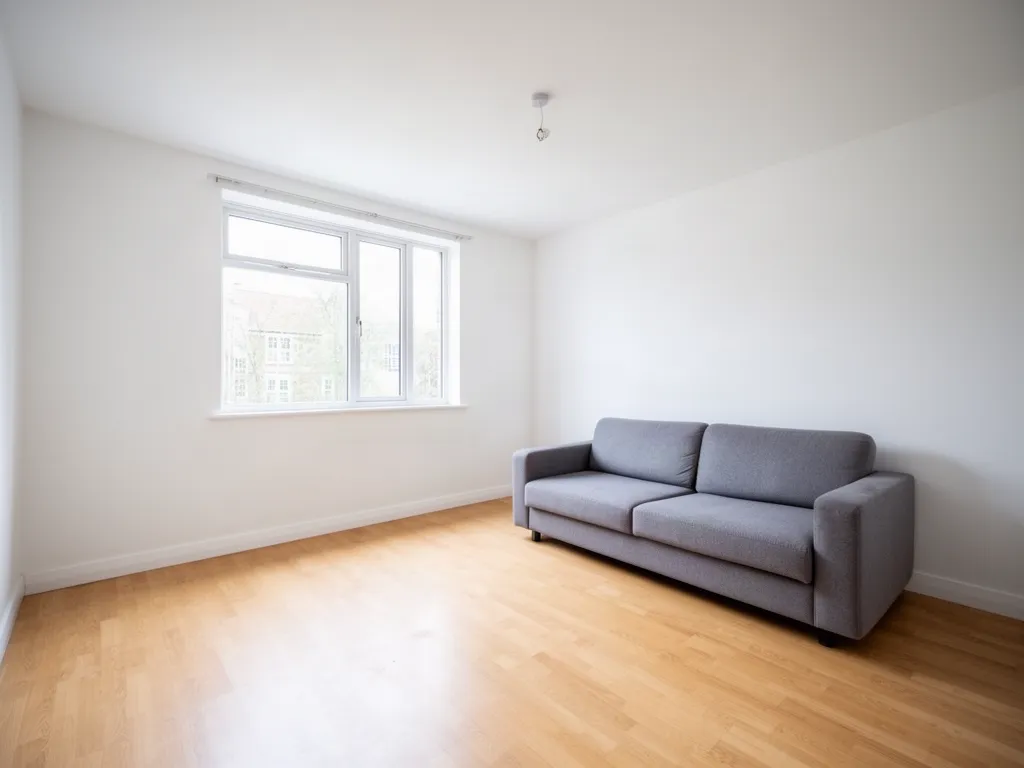 Before
 After
After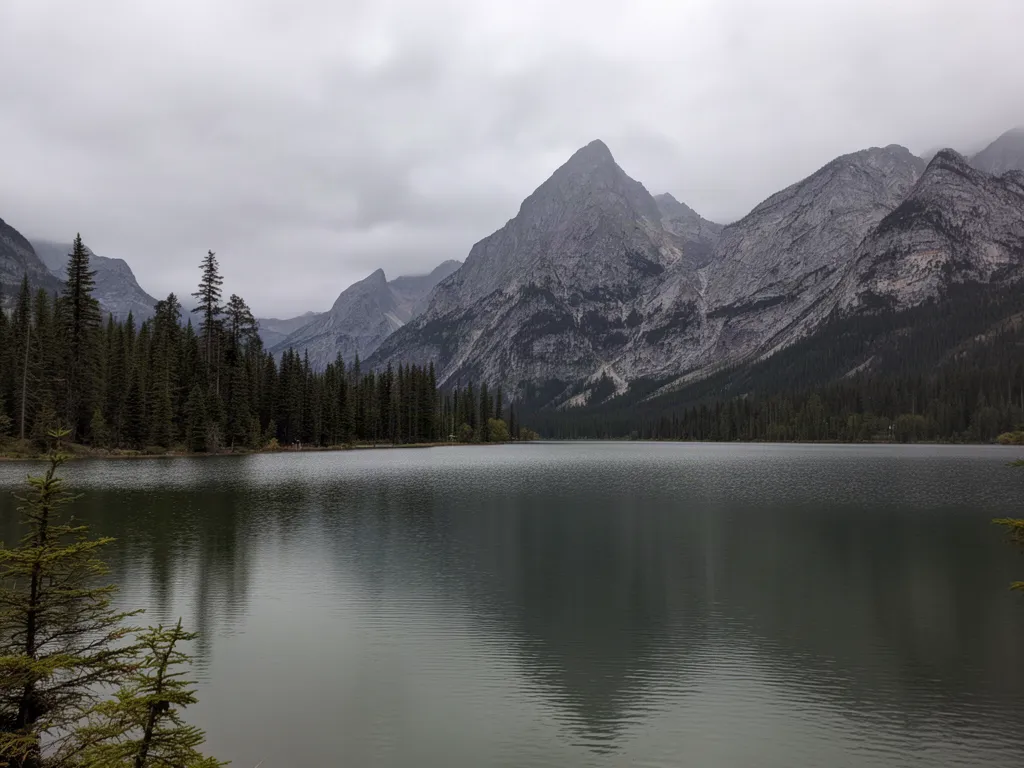 Before
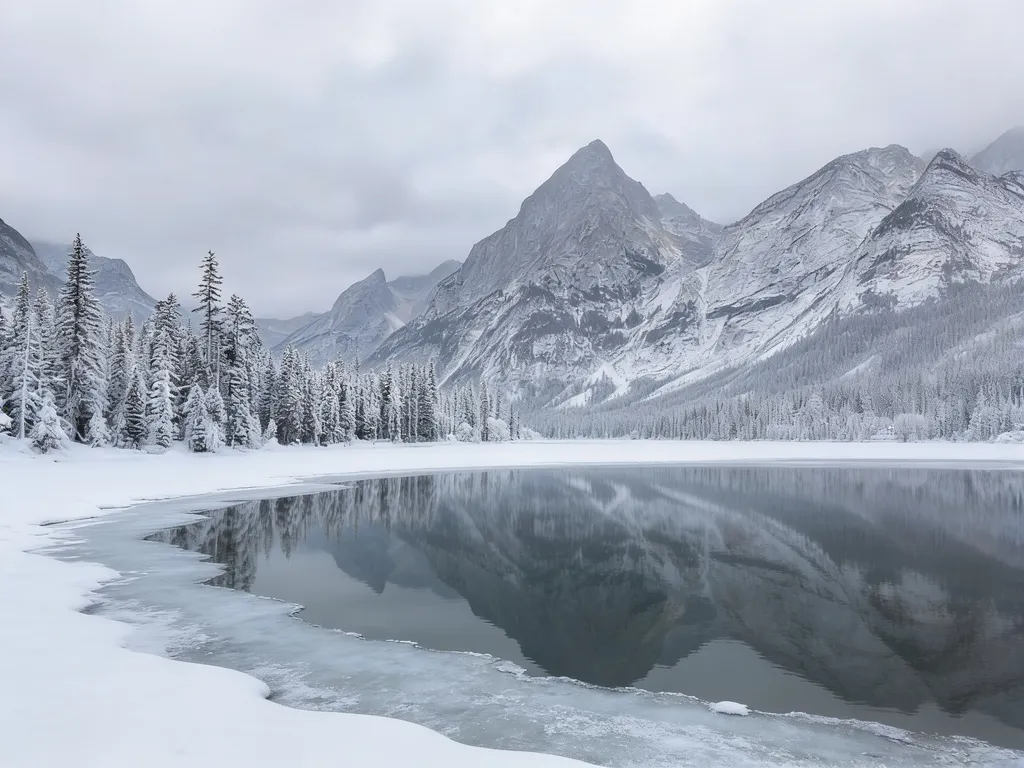 AfterBefore
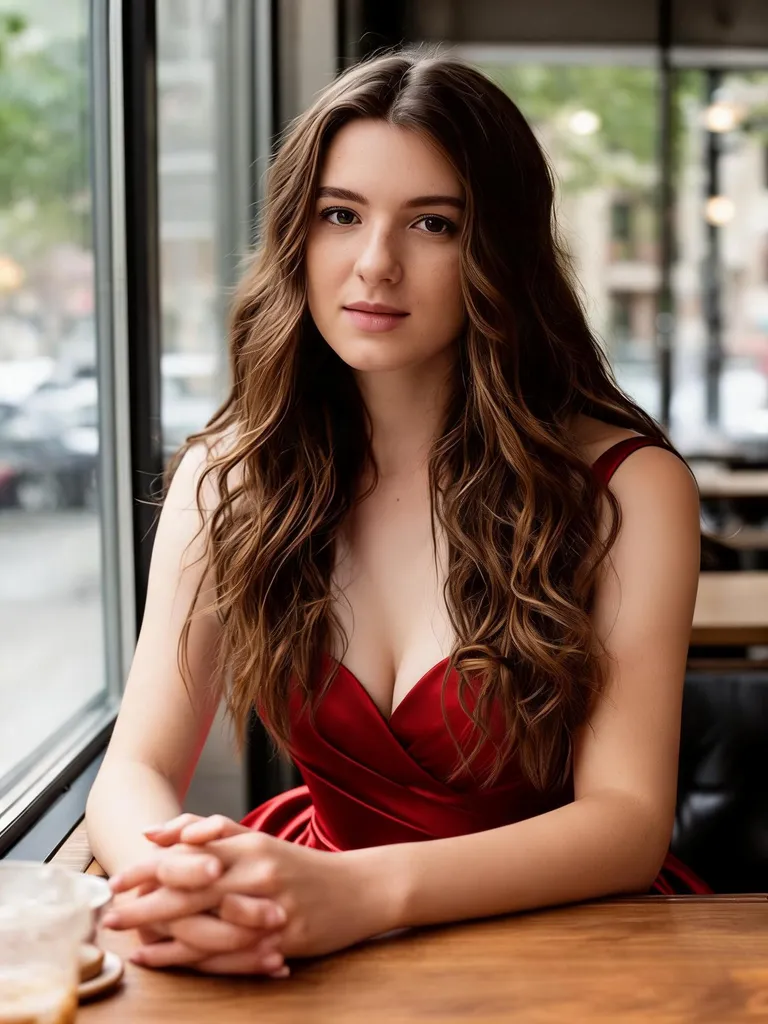 After
After Before
 After
After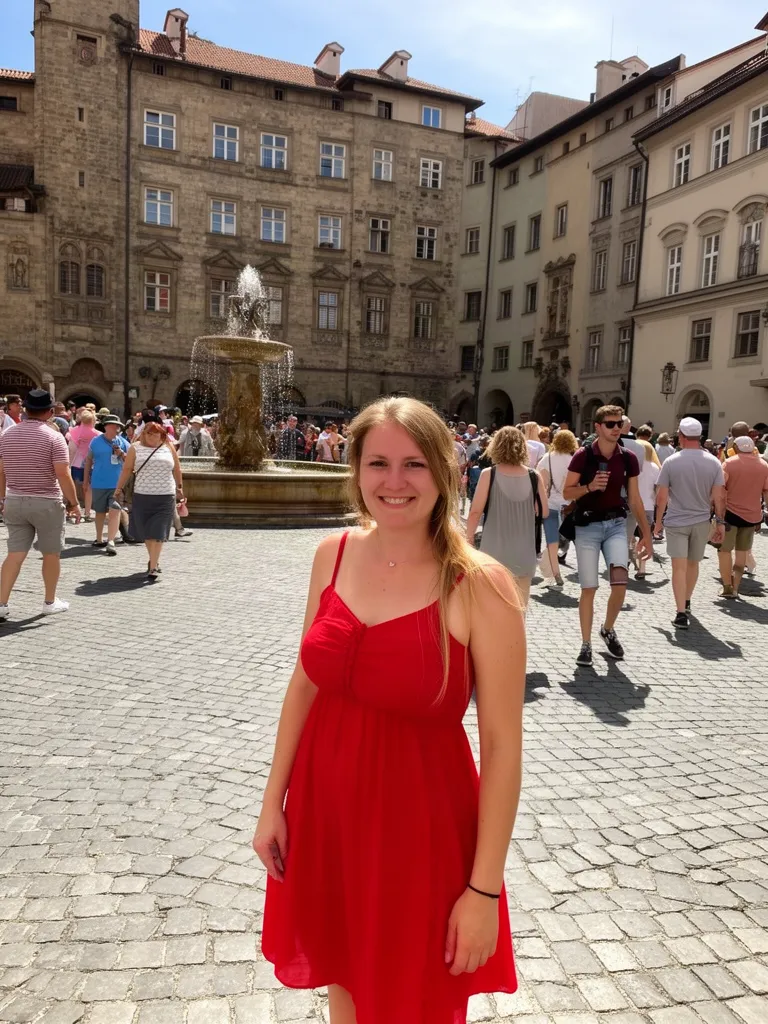 Before
 AfterBefore
 After
After Before
 After
AfterSeedream at a glance
| Made by | ByteDance |
|---|---|
| Versions in EditAI | Seedream 5.0 Lite (the newest) and Seedream 4.5 |
| Best at | Fashion and portrait photos, product ads, interior staging and detailed, realistic scenes |
| Edits your own photos | Yes: upload any JPG or PNG and describe the change |
| In EditAI | Seedream 5.0 Lite is a premium model in the Pro plan. Seedream 4.5 is in the Starter and Pro plans. Web, iPhone and Android |
| How to pick it | Click any “Try this prompt” link on this page, or start your prompt with use seedream5 for 5.0 Lite or use seedream for 4.5 |
| Compare it | See the same photo edited by four models on AI image models compared |
What Seedream is good for
Fashion and outfits
Editorial looks, new outfits and styled portraits with realistic fabric and skin.
Product ads
Place a product in a new scene, from a studio set to a rock by the ocean.
Virtual staging
Furnish an empty room in the style you want for listings and mockups.
Seasons and landscapes
Turn summer into winter, or change the light and weather in a scene.
Art styles
Oil painting, pencil sketch and other looks that keep the composition.
Fine detail
Sharp textures and clean edges, good for close-ups and large images.
How it works
Three steps. Most edits are ready in about a minute.
Upload a photo
Open the Studio and drop in a JPG or PNG from your phone or computer.
Describe the edit
Write what to change, or click a prompt on this page to pre-fill it with Seedream 5.
Download
Get the result in about a minute, keep refining, then download it in high resolution.
Seedream prompts to start from
Click a prompt to open it in the editor with your own photo.
Questions
What is the difference between Seedream 5 and Seedream 4.5?
Seedream 5.0 Lite is the newer version: it follows detailed instructions more closely and renders faces and fine textures with more detail. Seedream 4.5 is still very good for product ads and landscapes. In EditAI, 4.5 is in every plan and 5.0 Lite is in the Pro plan.
Can Seedream edit a photo I upload?
Yes. Upload a photo in the EditAI Studio and describe the change. Seedream edits your image instead of starting from scratch, so it works as a Seedream image editor in the browser and on your phone.
Do I need a ByteDance or BytePlus account?
No. Seedream runs inside EditAI, so you only need an EditAI account and plan.
How much does Seedream cost?
Seedream 4.5 is included in the Starter plan at $4.99 a month (50 edits a day). Seedream 5.0 Lite is a premium model in the Pro plan at $9.99 a month (300 edits a day). You can cancel any time.
What happened to Seedream 4?
Seedream 4.0 was the earlier version. EditAI now runs the newer Seedream 4.5 and Seedream 5.0 Lite, so your prompts use the current models.
Seedream or Nano Banana 2: which is better?
Seedream is strong on fashion, products and rich detail, Nano Banana 2 is better at keeping a face identical and at removing people. Both are in EditAI, so you can try the same photo with each. See them side by side on our comparison page.