Image to image AI for your own photos
Upload a photo, describe the new look, and the AI redraws it as an oil painting, an anime illustration, a pencil sketch or a LEGO model. The pose and composition stay, the style changes.
What is image to image AI?
Image to image AI is a type of AI that takes a picture as input and creates a new version of it from a text instruction, instead of starting from a blank canvas. In EditAI you upload your photo, describe the style or change you want, and get the result in about a minute. The AI picks a model such as GPT Image 2, Nano Banana 2, Seedream or Grok Imagine for the job.
Image to image AI examples
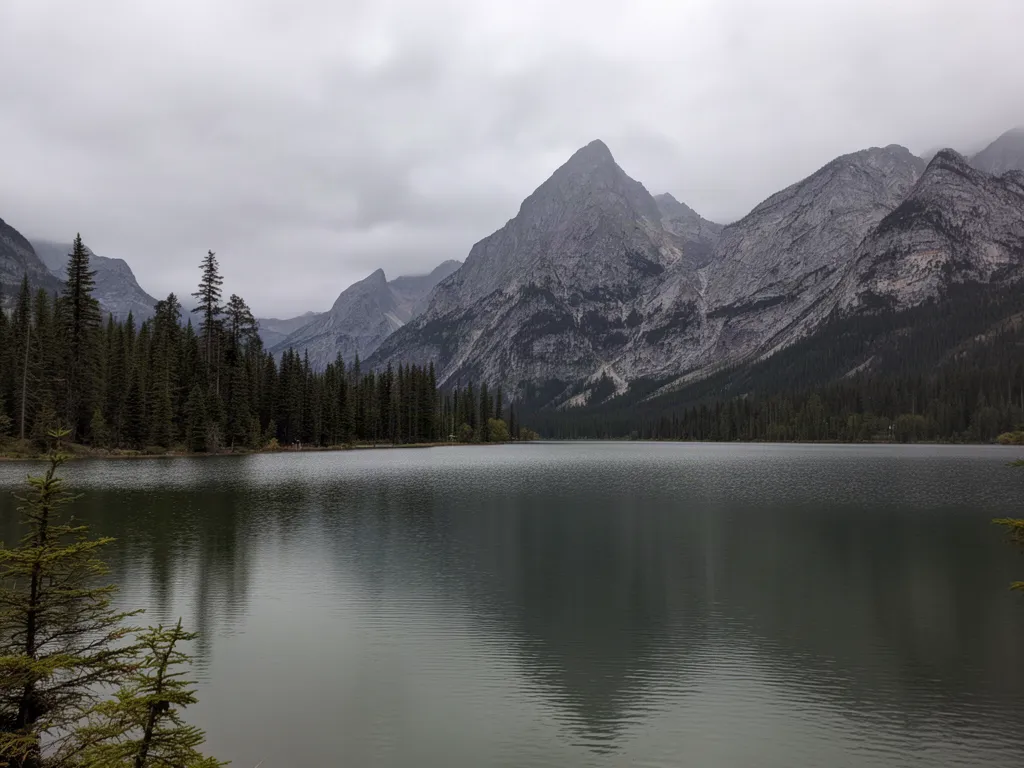
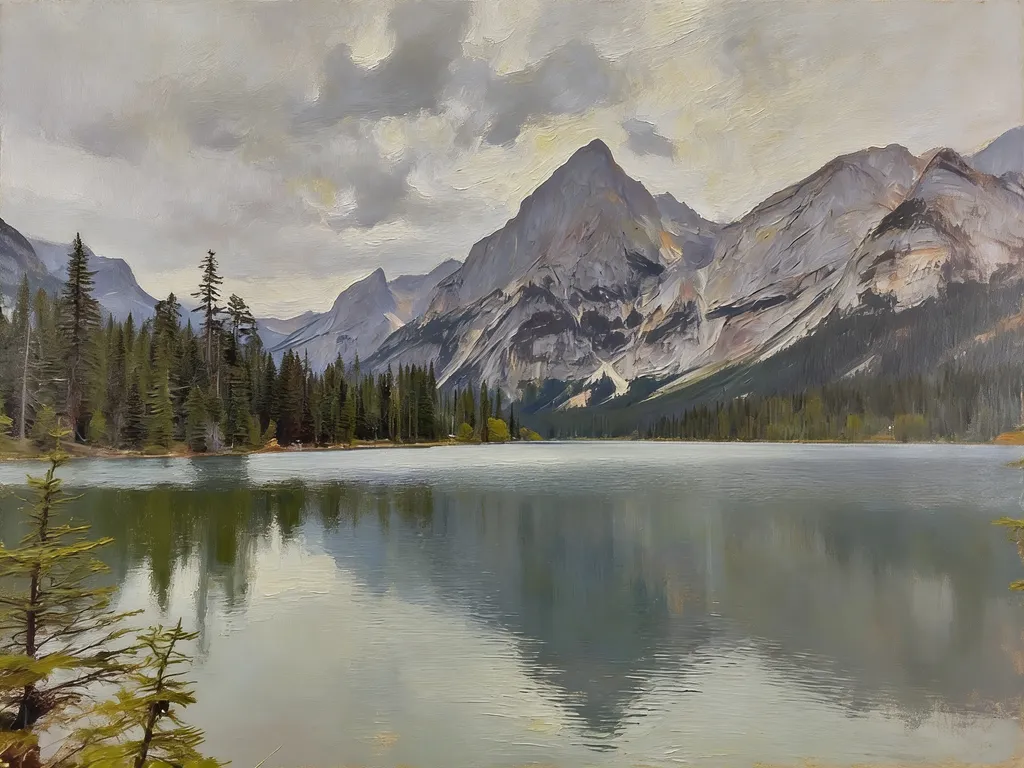
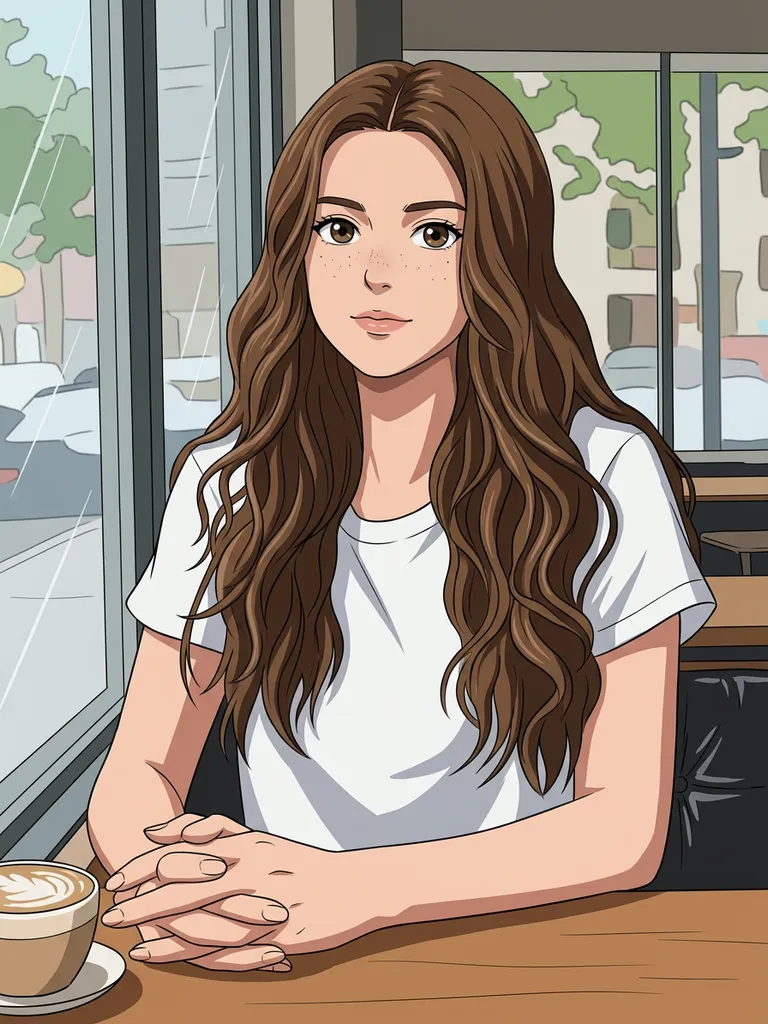
Real photos transformed inside EditAI with four different models. Each one used only the prompt shown under it.
 Before
 After
AfterLake photo to oil painting
Seedream 4.5“Turn this photo into a classic oil painting with visible brush strokes”Try this prompt →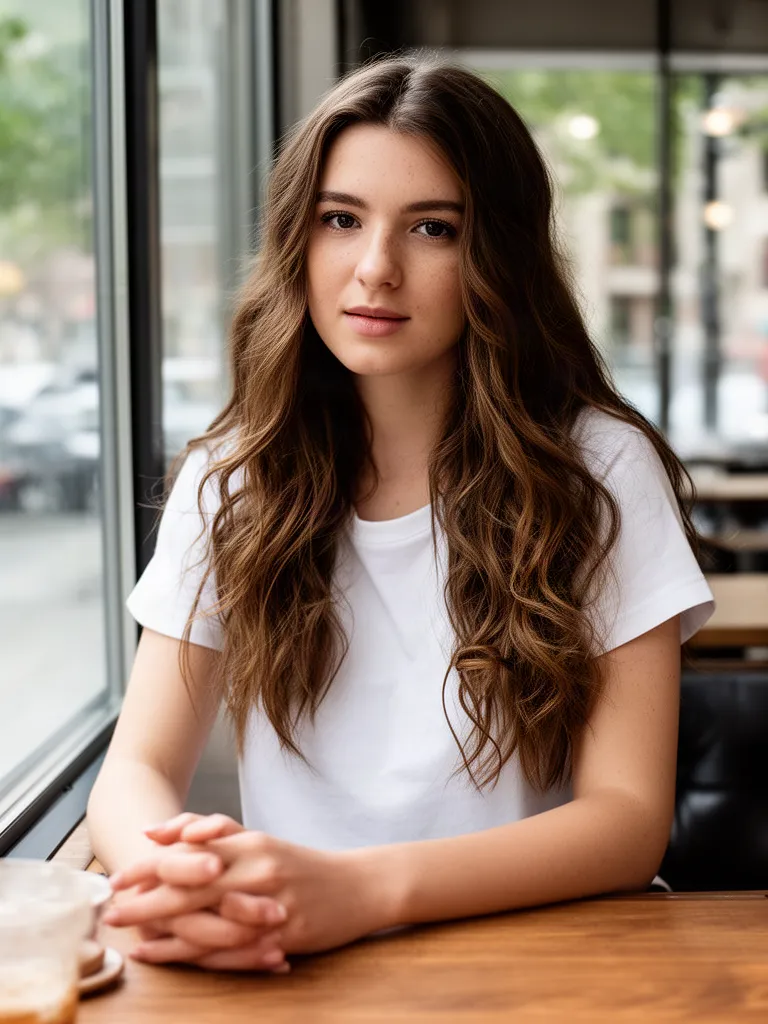 Before
 After
AfterPortrait to anime illustration
Nano Banana 2“Turn this photo into a cel-shaded anime illustration, same pose and outfit”Try this prompt →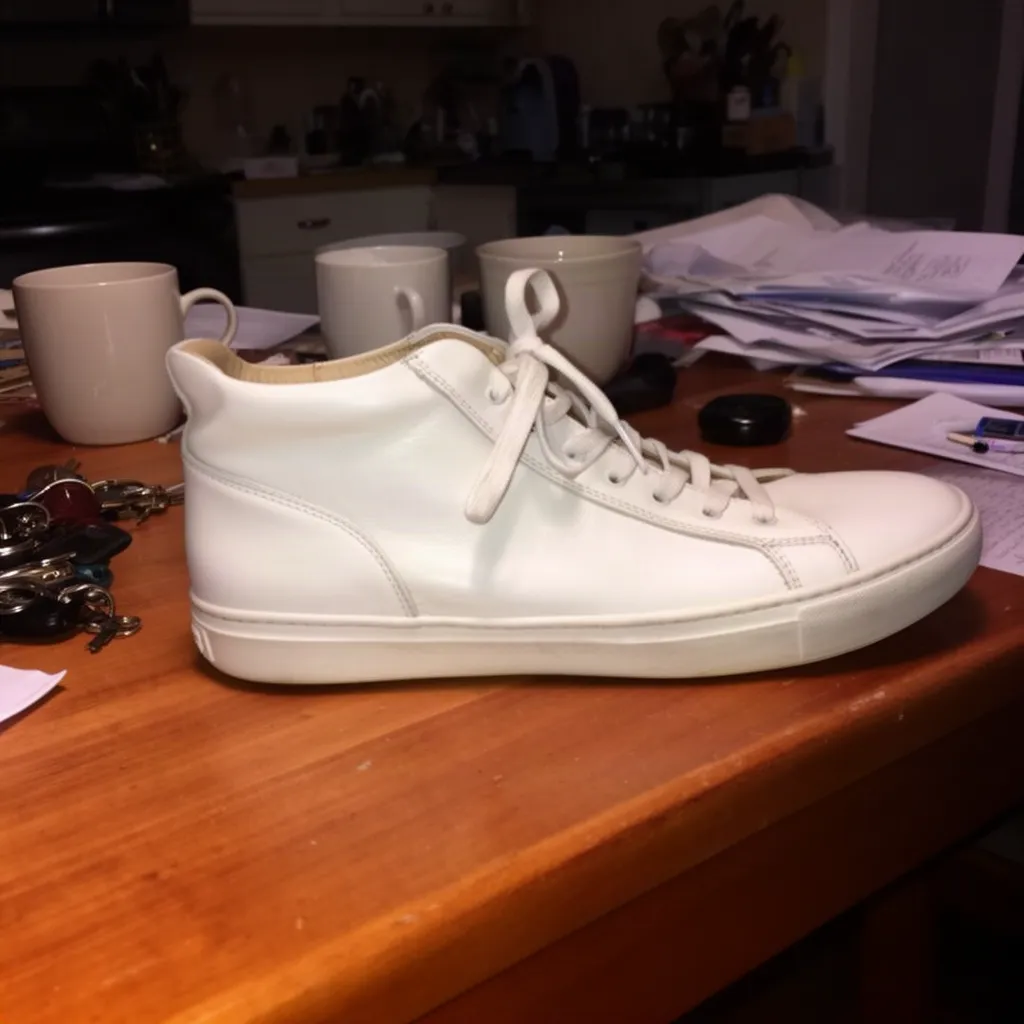 Before
 After
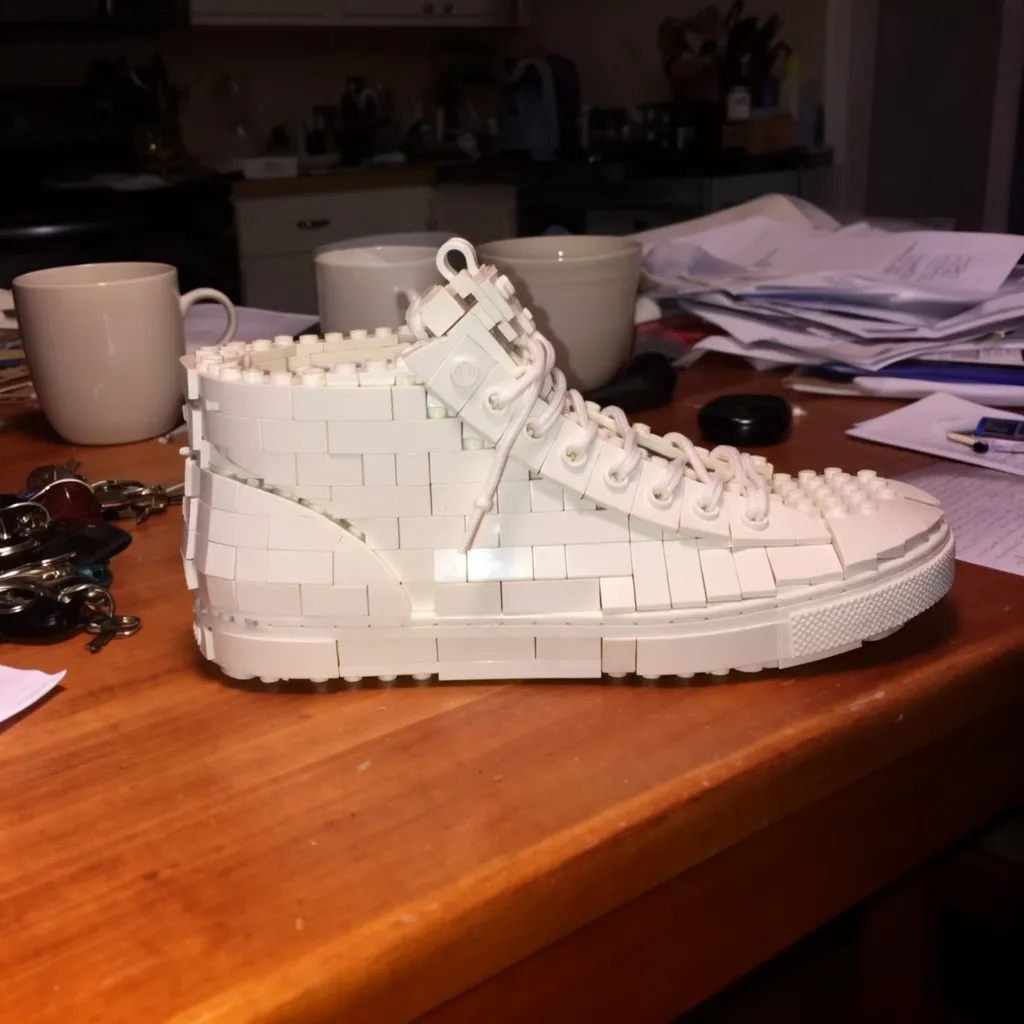
AfterSneaker to LEGO model
Grok Imagine“Turn the sneaker into a LEGO brick model on the same table”Try this prompt →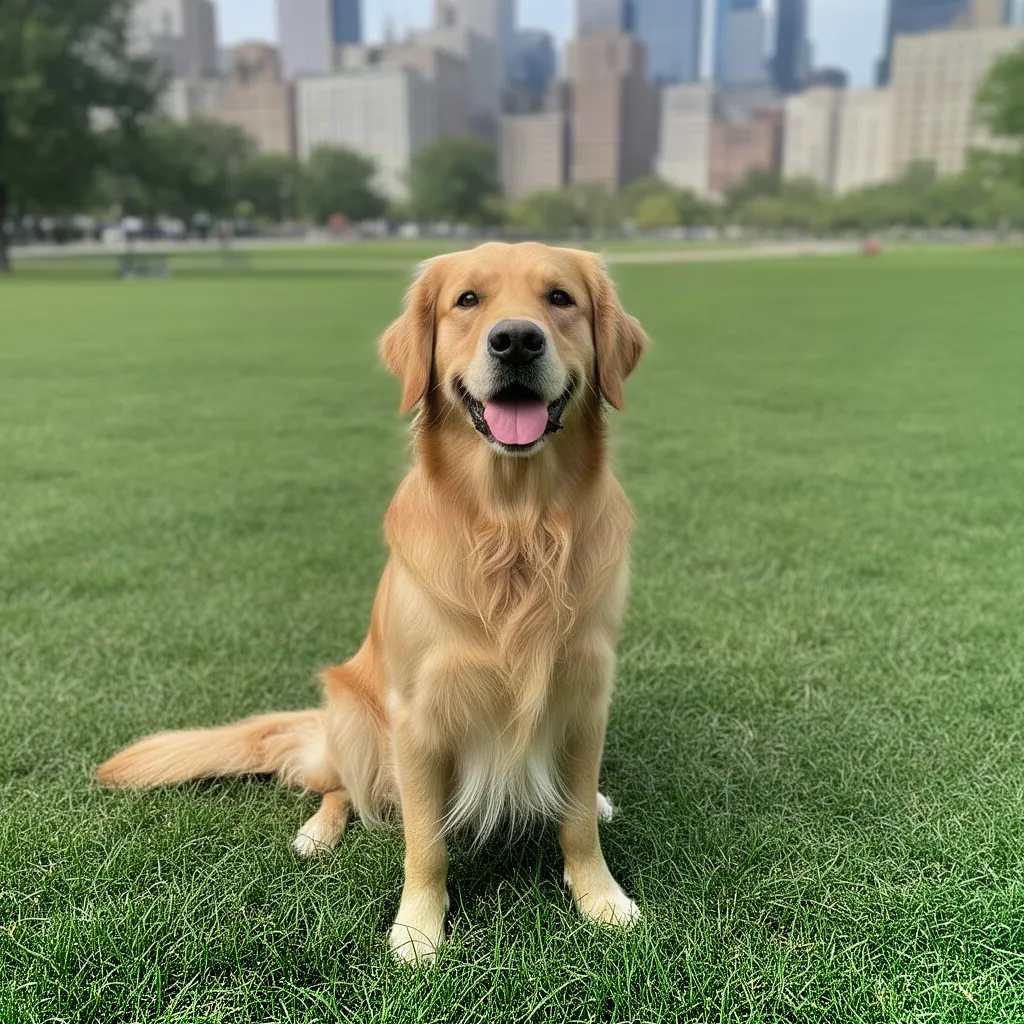 Before
 After
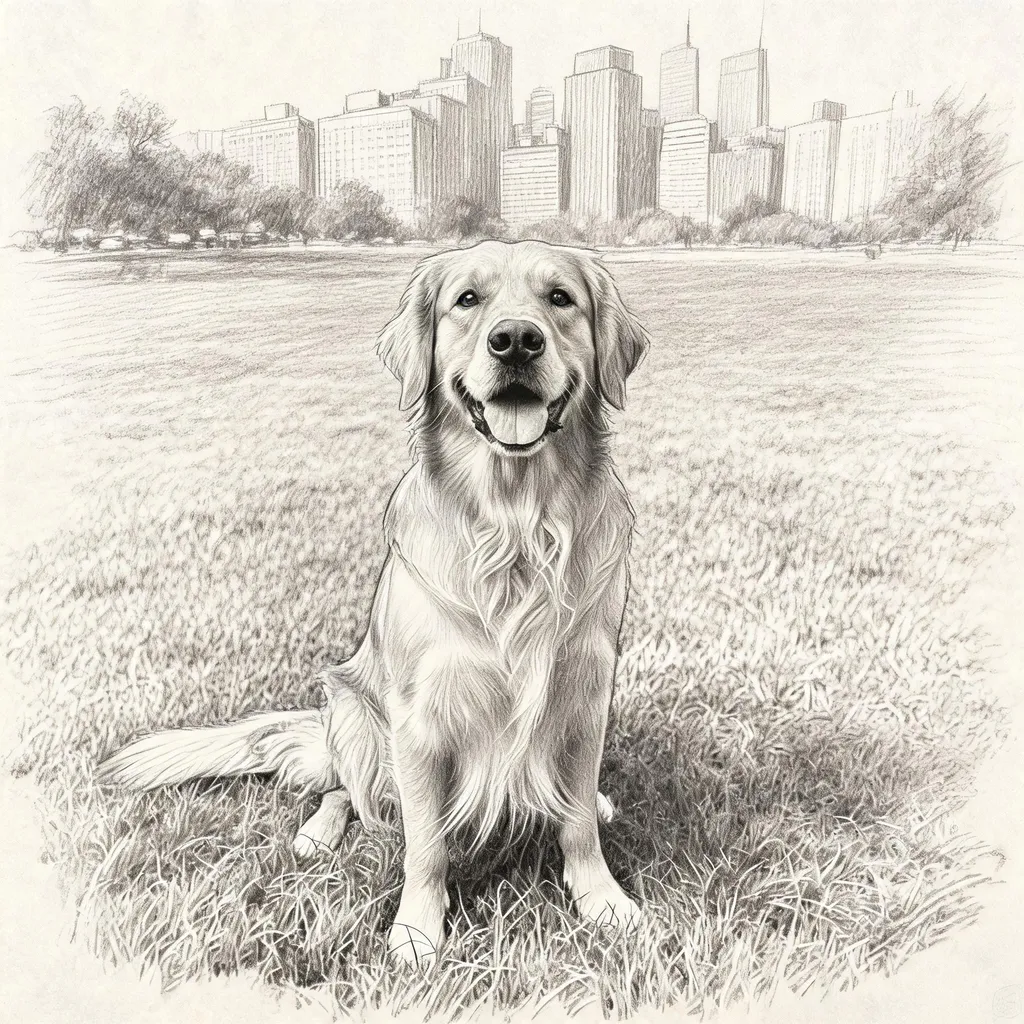
AfterDog photo to pencil sketch
Seedream 5.0 Lite“Turn this into a pencil sketch drawing on paper”Try this prompt →Before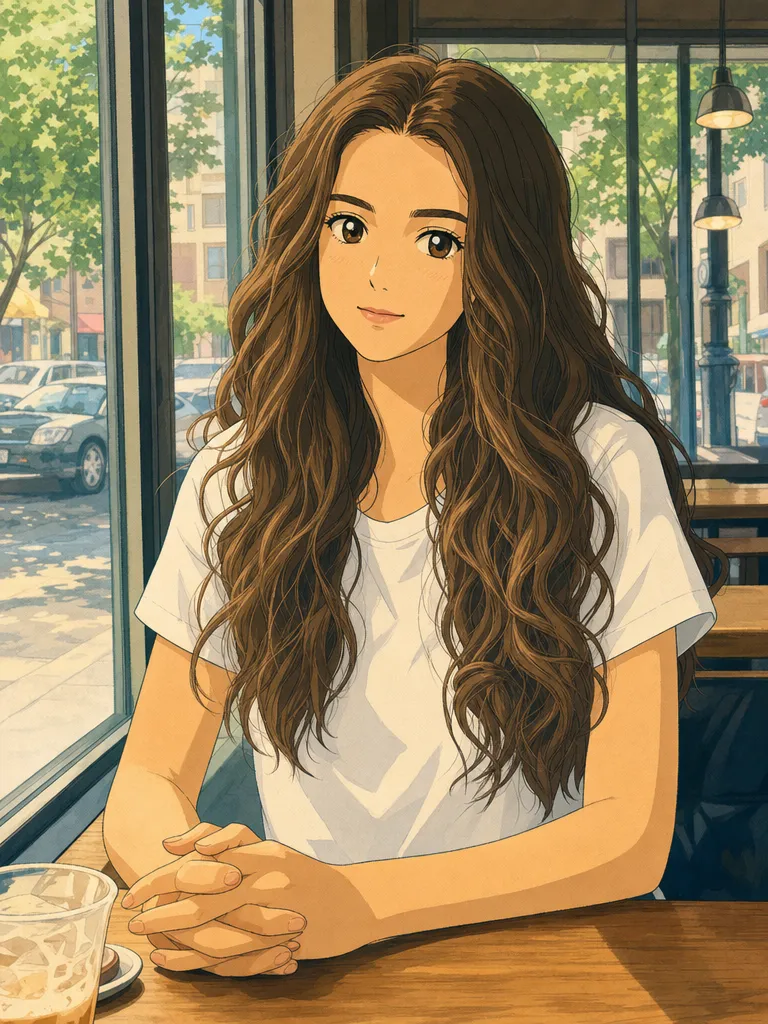 After
AfterCafe photo to Studio Ghibli style
GPT Image 2“Turn this photo into a hand-drawn Studio Ghibli style anime illustration, keep her pose, hair and the cafe window”Try this prompt →Before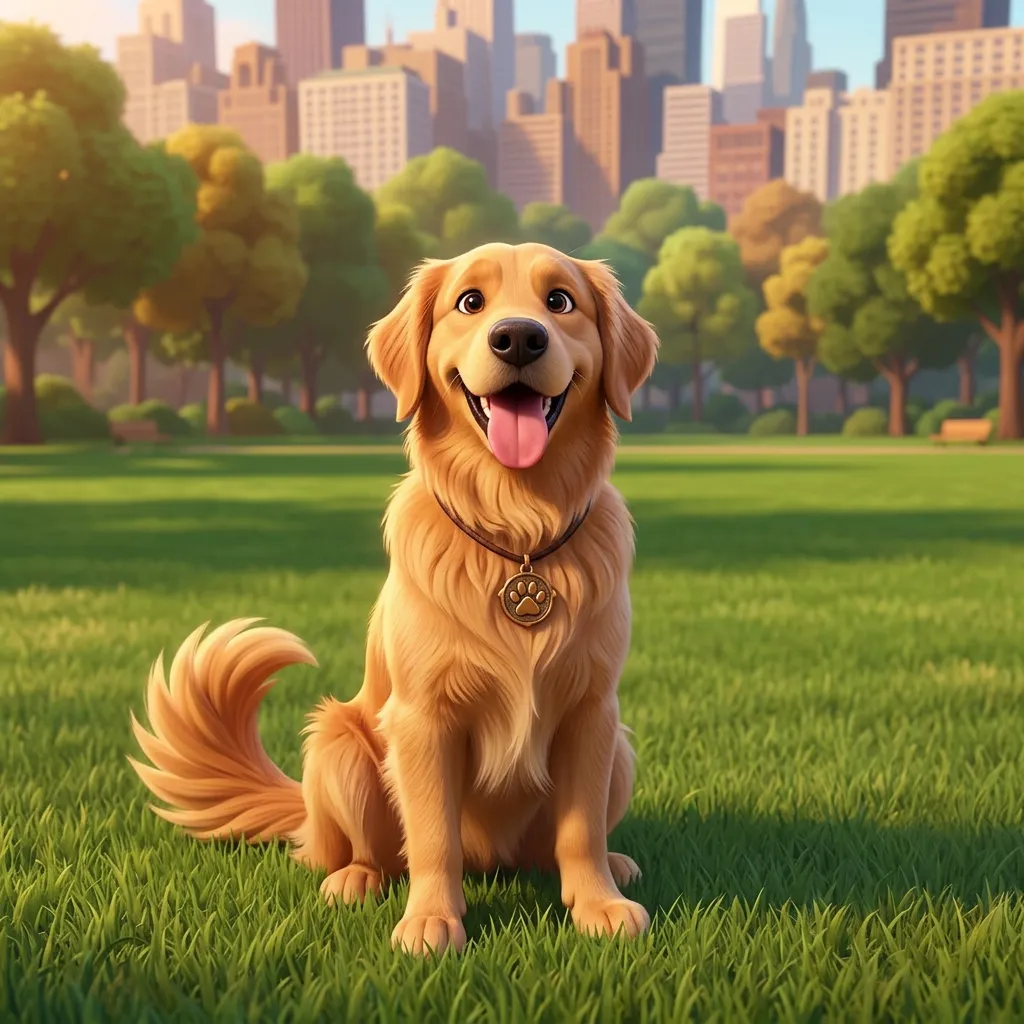 After
AfterDog to 3D Pixar-style character
Nano Banana 2“Turn the dog into a cute 3D animated movie character, Pixar style, same pose”Try this prompt →Image to image AI at a glance
| What it does | Creates a new image from your photo and a text instruction, keeping the layout, pose and subject |
|---|---|
| Popular uses | Photo to painting, anime, sketch, 3D character, toy model, vintage film and poster styles |
| Models | GPT Image 2, Nano Banana 2, Nano Banana, Seedream 5.0 Lite, Seedream 4.5 and Grok Imagine. The AI picks one for you |
| How to pick a model | Start your prompt with use gptimage2, use nanobanana2, use seedream5, use seedream or use grok |
| In EditAI | Included in the Starter and Pro plans, on web, iPhone and Android. Seedream 5 and Nano Banana 2 are Pro models |
| Compare models | See the same photo edited by four models on AI image models compared |
What you can turn a photo into
Paintings
Oil, watercolor or impressionist versions of landscapes, pets and portraits.
Sketches and line art
Pencil, charcoal or ink drawings that follow the original photo.
3D and toys
Pixar-style characters, LEGO models, clay figures and collectible toys.
New photo looks
Vintage film, black and white, cinematic color, or a new season and time of day.
Product variations
The same product in new styles and scenes for ads and listings.
How it works
Three steps. Most edits are ready in about a minute.
Upload a photo
Open the Studio and drop in a JPG or PNG from your phone or computer.
Describe the new look
Name the style you want, or click a prompt on this page to pre-fill it.
Download
Get the result in about a minute, keep refining, then download it in high resolution.
Image to image prompts to start from
Click a prompt to open it in the editor with your own photo.
Questions
How does image to image AI work?
You give the AI a photo and a text instruction. It keeps the structure of your picture, like the pose, layout and subject, and redraws it to match the instruction.
Can I turn a photo into a painting with AI?
Yes. Ask for an oil painting, a watercolor or another painting style in plain words, as in the lake example above. Landscapes and pets usually give the cleanest paintings.
Will the result still look like my photo?
The composition and subject stay, while the details change with the style. For the closest match on faces, start your prompt with use nanobanana2: Nano Banana 2 keeps faces closest to the original.
Which AI model is best for image to image?
It depends on the style. GPT Image 2 is strong on illustrations and text, and Nano Banana 2 keeps faces closest. The AI picks one automatically, or compare four models on the same photo on our comparison page.
How much does it cost?
Image to image edits are included in the EditAI plans: Starter at $4.99 a month (50 edits a day) and Pro at $9.99 a month (300 edits a day plus the premium models Seedream 5 and Nano Banana 2). You can cancel any time.