Remove objects from photos with AI
Erase a photobomber, a trash can, a stray cable or a date stamp. The AI fills the gap with believable detail, so it looks like it was never there.
How do I remove an object from a photo?
To remove an object from a photo with AI, upload the picture and describe what to erase, for example “remove the person on the left”. EditAI deletes it and rebuilds the background behind it, matching the textures and light around the gap, in about a minute. You do not need to paint a mask or clone pixels by hand.
Object removal before and after
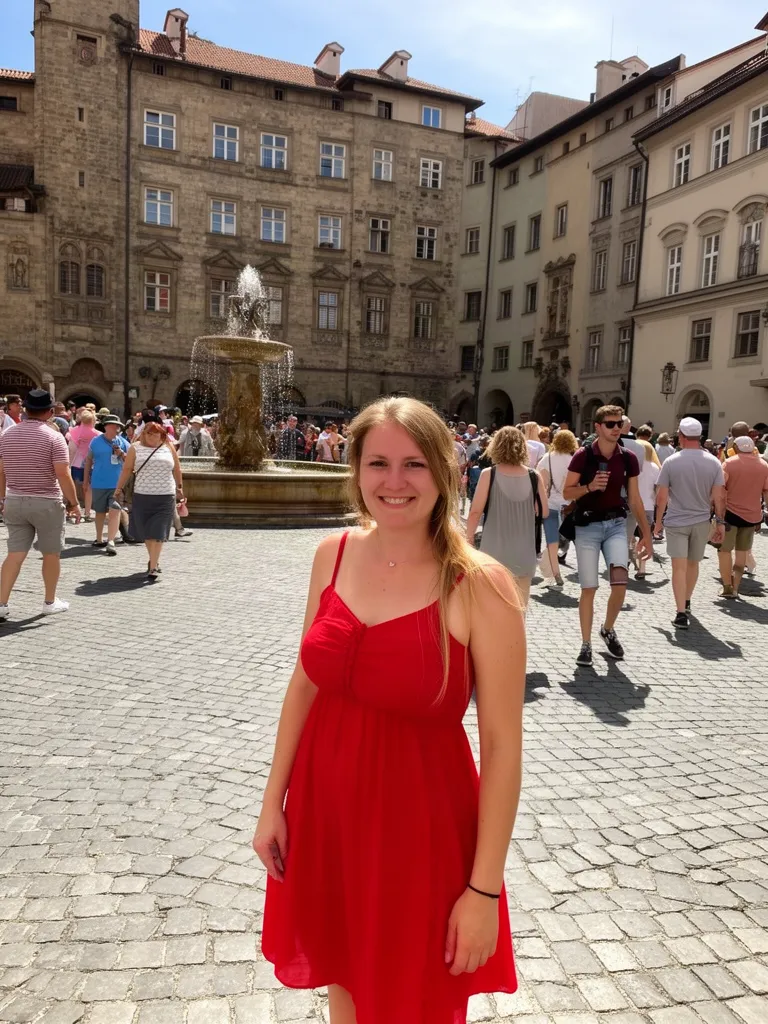
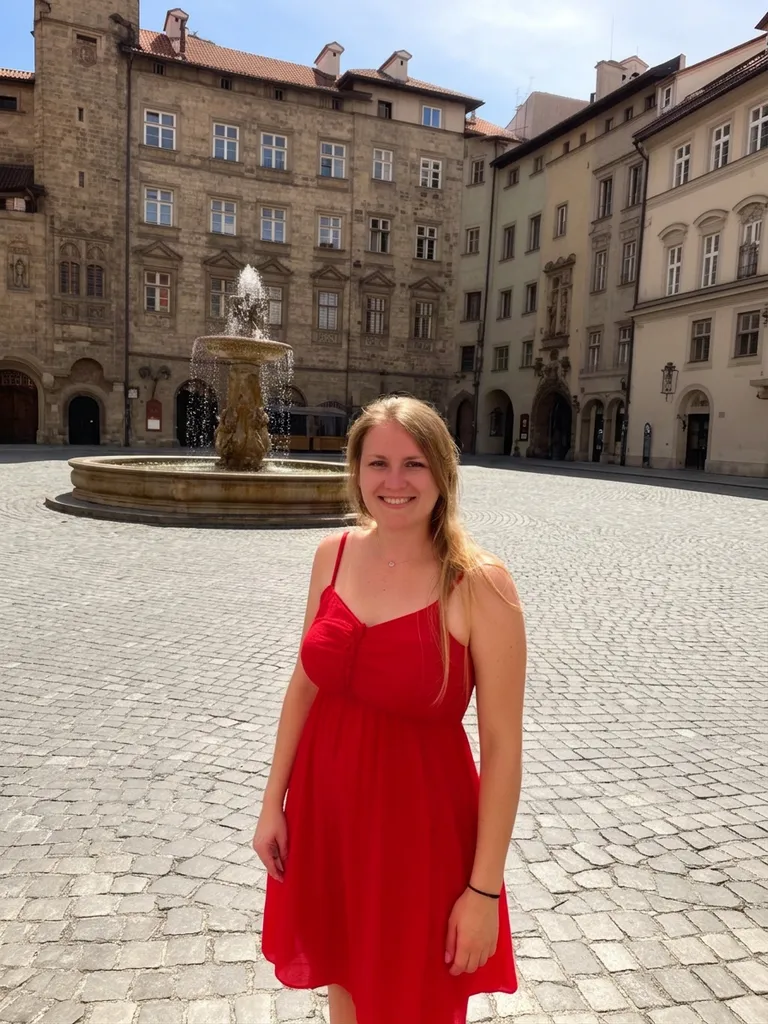
Real clean-ups made inside EditAI. Each one used only the prompt shown under it.
 Before
 After
AfterTourists removed from a busy square
Nano Banana 2“Remove all the other people in the background, keep only the woman in the red dress and the square”Try this prompt →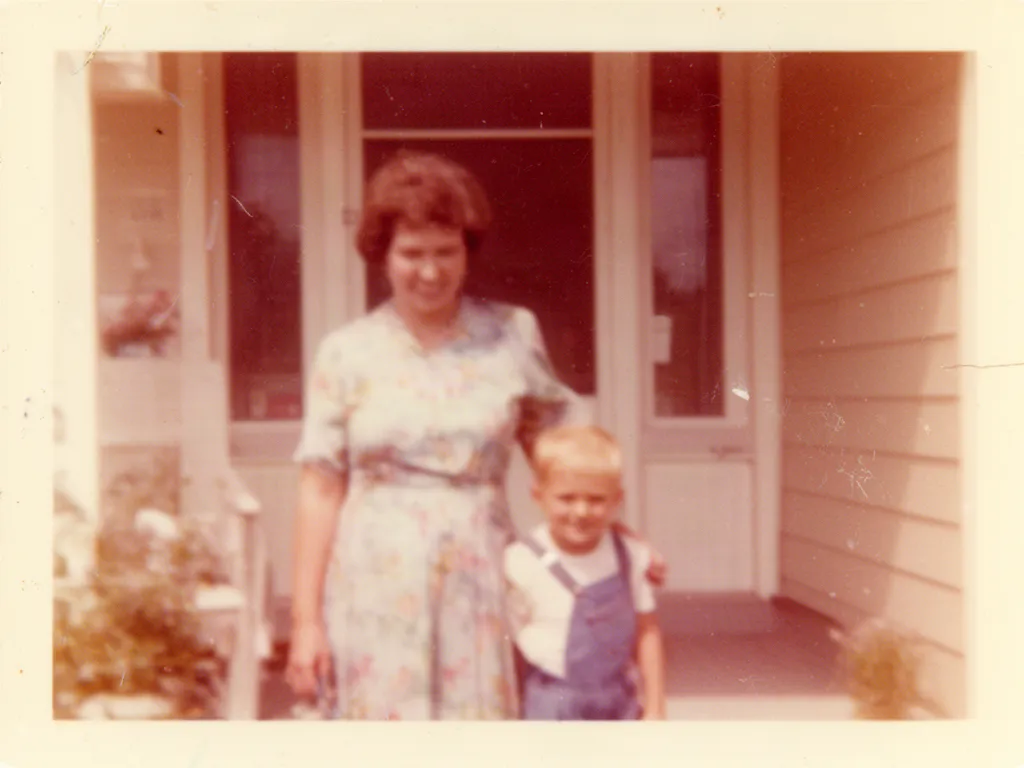 Before
 After
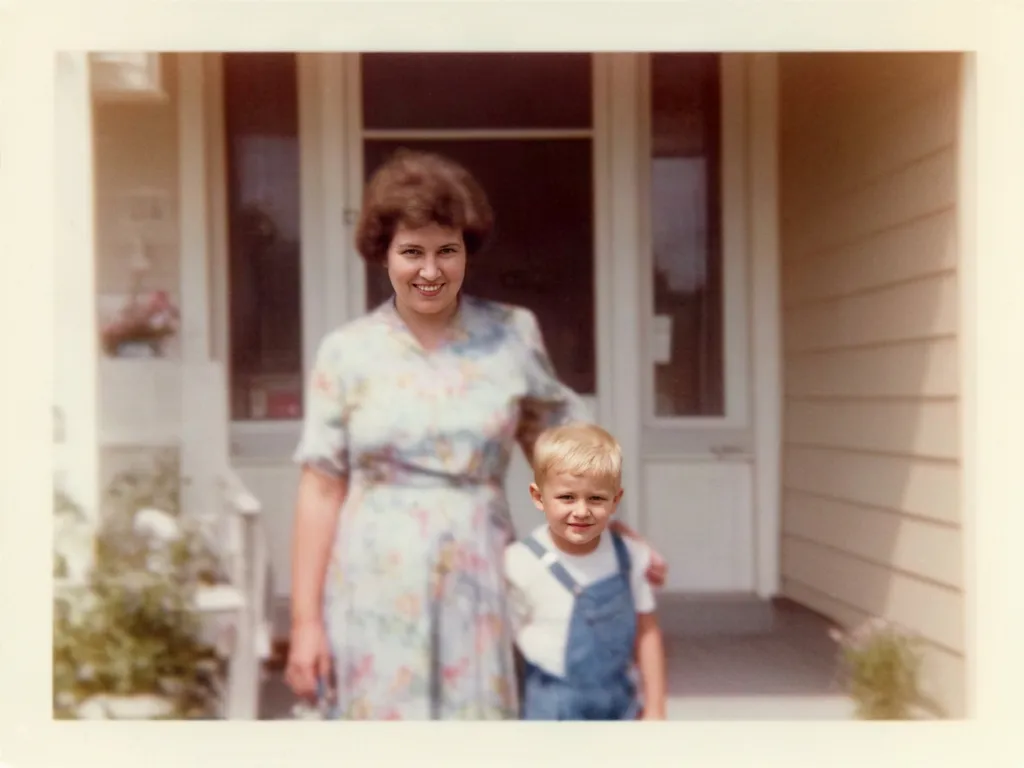
AfterScratches and fading removed from an old photo
Nano Banana 2“Restore this old photo: remove scratches and dust, fix the faded colors, sharpen faces, keep it natural”Try this prompt →Object remover at a glance
| What you can remove | People, cars, trash cans, wires, signs, text, stains, blemishes and other distractions |
|---|---|
| How the gap is filled | The AI rebuilds what was likely behind the object, matching texture, perspective and light |
| How to point at it | Describe it in words, like “the man in the blue shirt” or “the cables on the wall” |
| Model used | Nano Banana 2 for the examples above |
| Watermarks | Only on images you own or have the rights to |
| In EditAI | Included in the Starter and Pro plans, on web, iPhone and Android. Nano Banana 2 is a Pro model |
What you can erase
People and photobombers
Clear tourists and strangers out of travel and event photos.
Clutter
Trash cans, cables, signs and parked cars that spoil the shot.
Text and stamps
Date stamps, captions and logos on images you own.
Blemishes and spots
Small marks, dust and spots on portraits and scans.
Scratches on old photos
Clean up cracks, dust and creases on scanned prints.
Erase and replace
Remove something and put something else in its place, in the same prompt.
How it works
Three steps. Most edits are ready in about a minute.
Upload your photo
Any JPG or PNG from your phone or computer, nothing to install.
Say what to remove
“Remove the person on the left”, “erase the date stamp”, or click a prompt on this page.
Download
The gap is filled in naturally in about a minute, ready to download in high resolution.
Object removal prompts to start from
Click a prompt to open it in the editor with your own photo.
Questions
Can it remove a person from a photo?
Yes. Remove a photobomber or anyone in the background, and the AI reconstructs what was behind them so it looks natural.
Does it leave a blurry patch?
No. It generates believable detail to fill the gap, matching the surrounding textures and light.
How do I tell it what to remove?
Describe it the way you would to a friend: by position, color or name, like “the man in the red jacket on the right”. If something stays, ask again with a clearer description.
Can I remove an object and replace it with something else?
Yes. Write both in one prompt, like “remove the lamp and put a plant there”. To swap the whole scene, use the AI background changer.
Can it remove watermarks from my own images?
Yes, for images you own or have the rights to. Please do not remove watermarks from content you do not have permission to use.
How much does it cost?
Object removal is included in the EditAI plans: Starter at $4.99 a month (50 edits a day) and Pro at $9.99 a month (300 edits a day plus the premium models, including Nano Banana 2). You can cancel any time.